
Tone Generator
Tones from 1 Hz to 22 kHz, a hearing check, noise, sweeps, binaural beats, keys and a metronome.

About
Tone Generator puts every signal you need on your iPhone and iPad. Pure tones from 1 Hz to 22 kHz, a hearing test with an audiogram for each ear, six colours of noise, sweeps, binaural beats, a mix of up to ten tones, a metronome and a keyboard you can play. It is made for musicians, sound engineers, students, and anyone who wants a steady sound for testing speakers, tuning, focus or sleep. Every feature is free.
Features
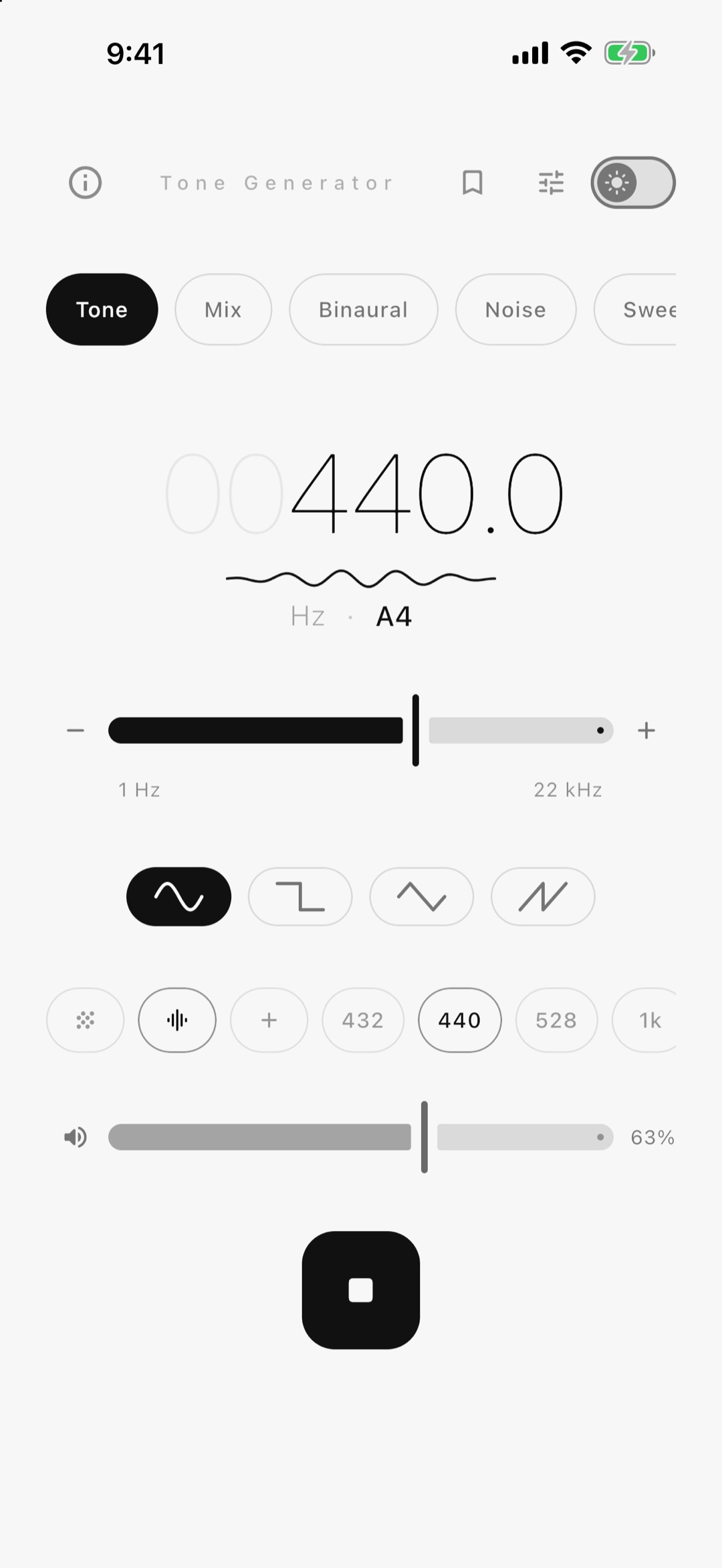
- Tones from 1 Hz to 22 kHz - slide, tap − and + for exact steps, or type the number
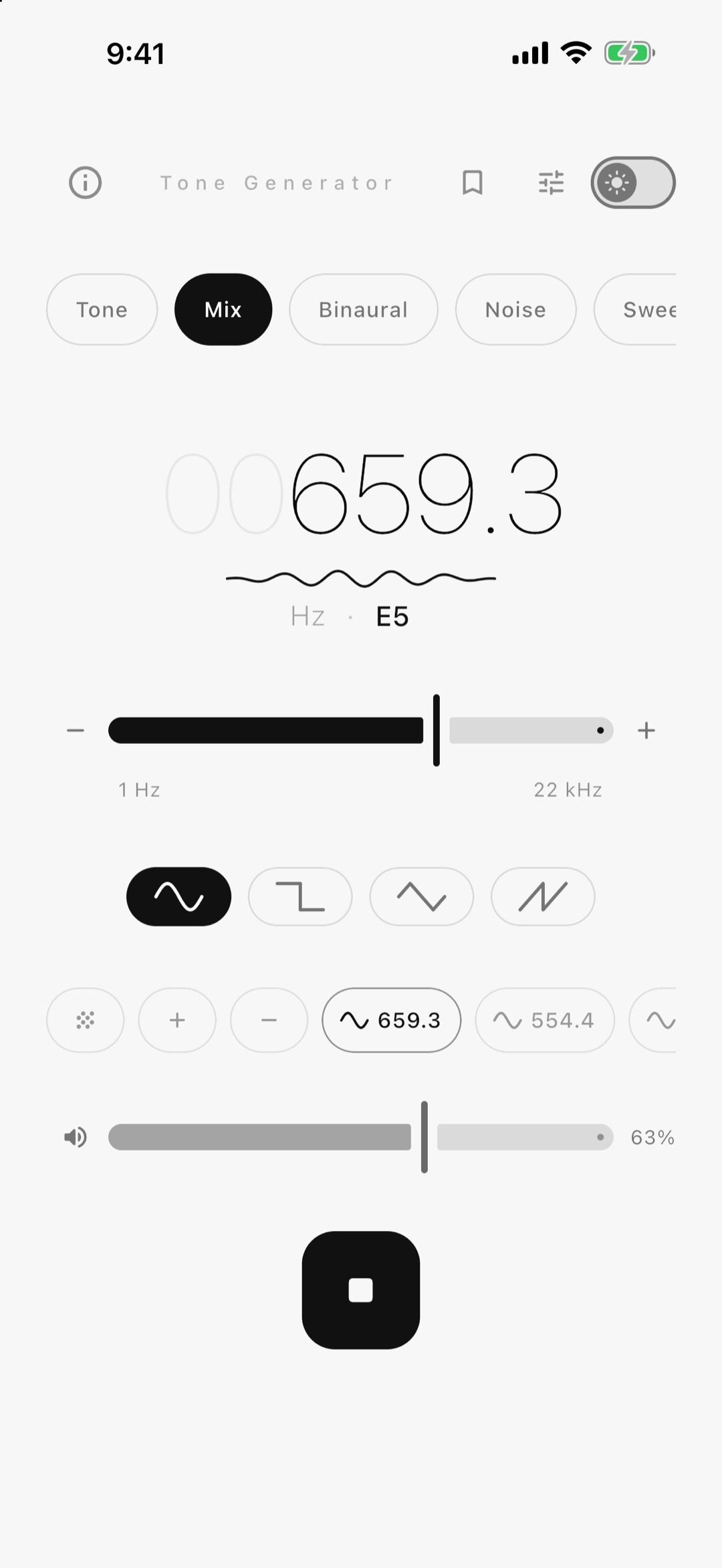
- Four wave shapes - sine, square, triangle and sawtooth
- Pick a note by name in any octave, with A4 tuned from 432 to 444 Hz
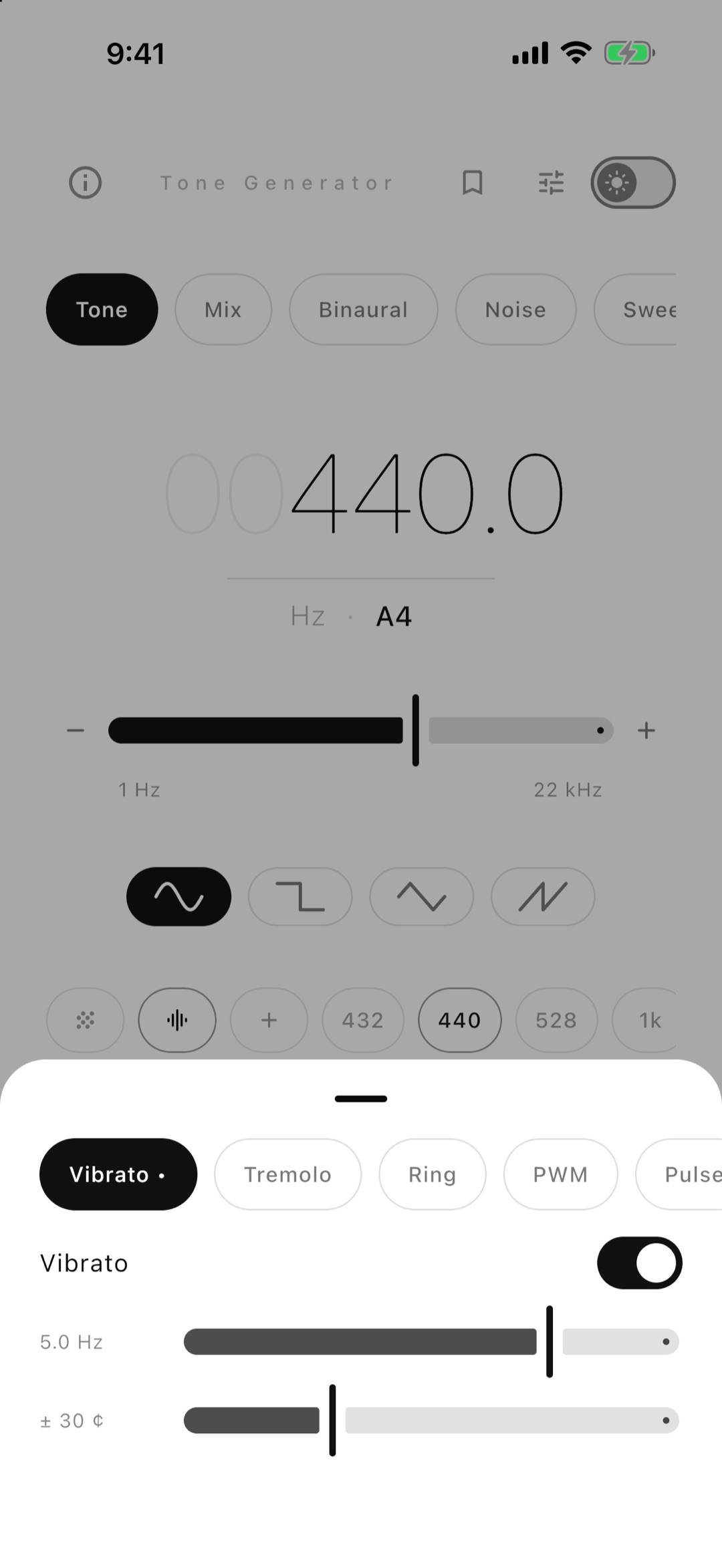
- Vibrato, tremolo, ring modulation, pulse width and an on-off pulse for isochronic tones
- Mix up to ten tones at once for chords, beats and test signals
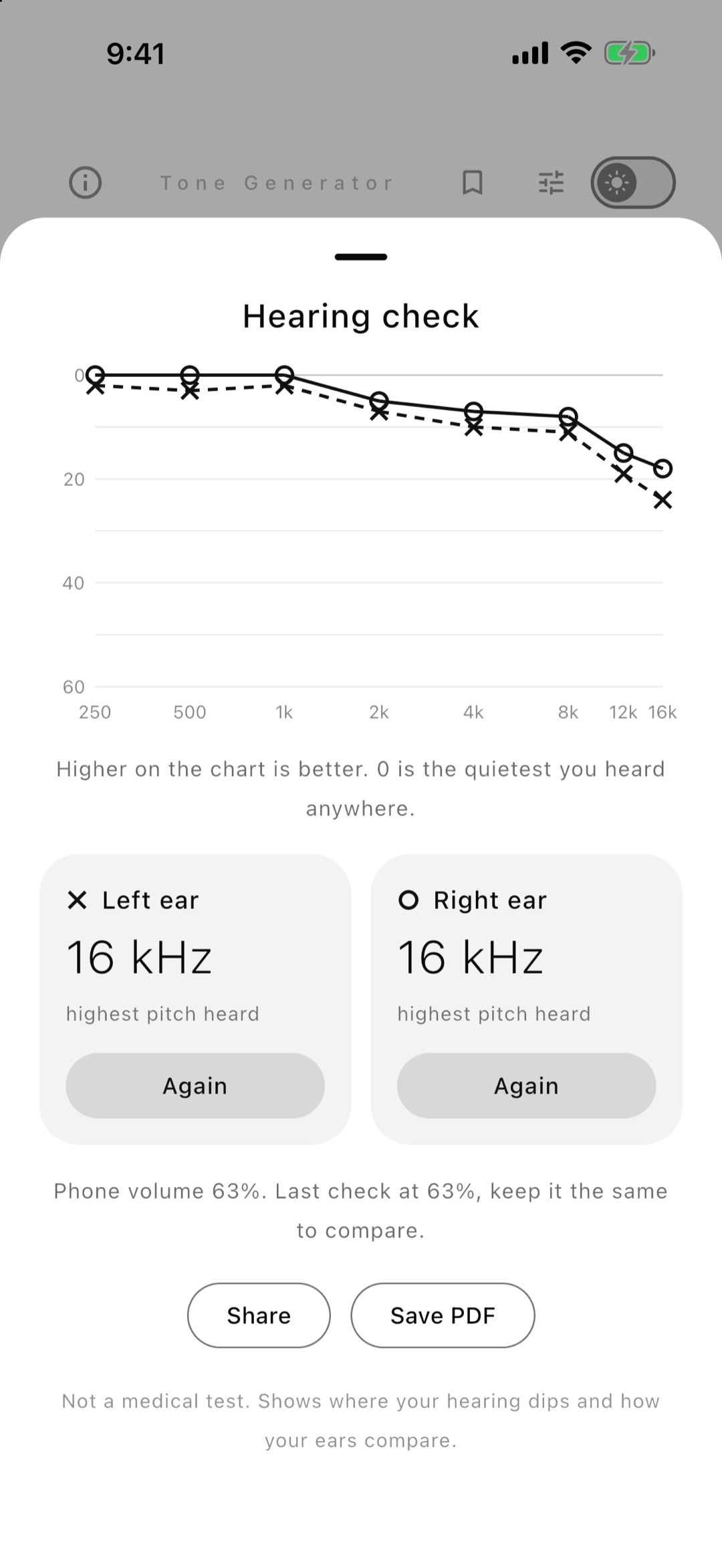
- A hearing check done the way an audiologist does it - eight pitches from 250 Hz to 16 kHz, one ear at a time, with the result as an audiogram of both ears that you can save as a PDF
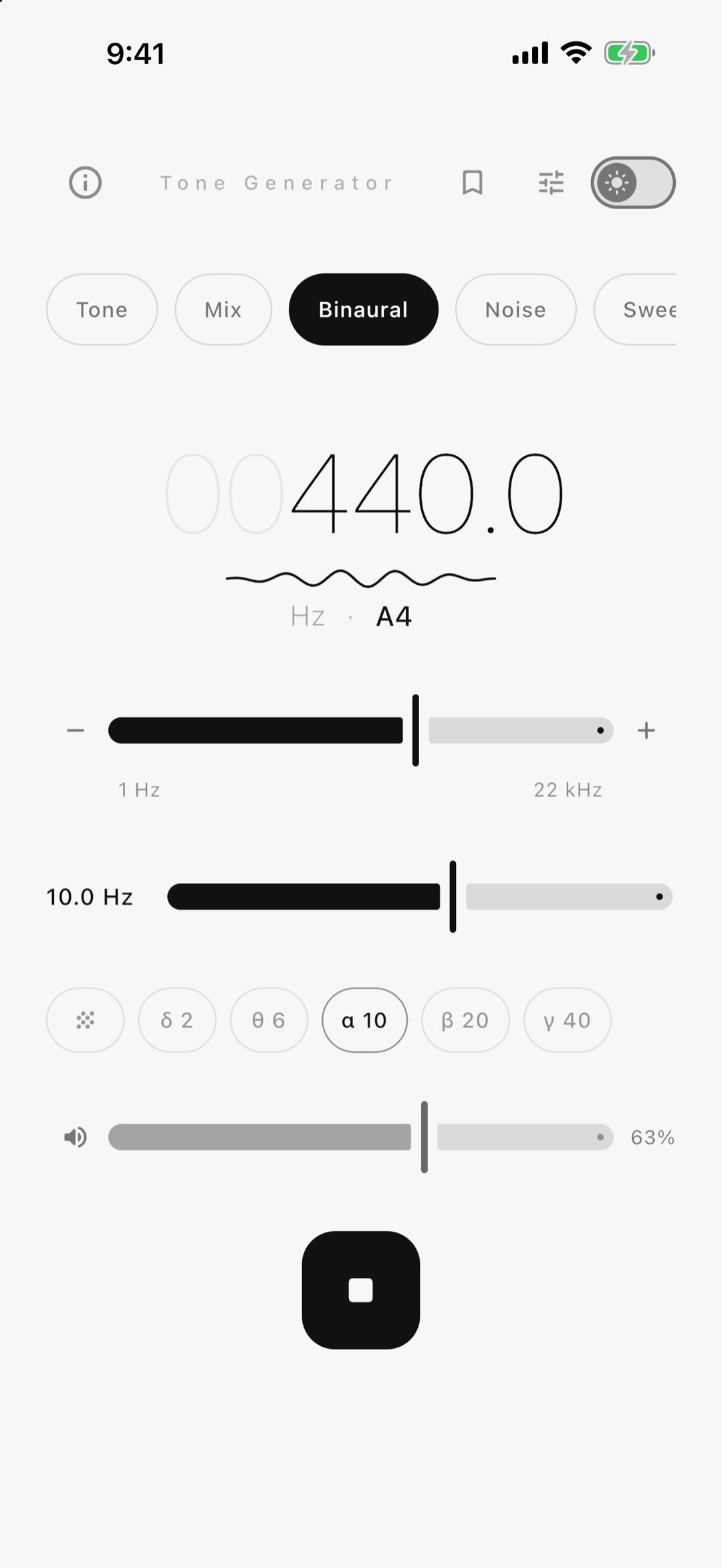
- Binaural beats with a different tone in each ear, from delta to gamma in one tap
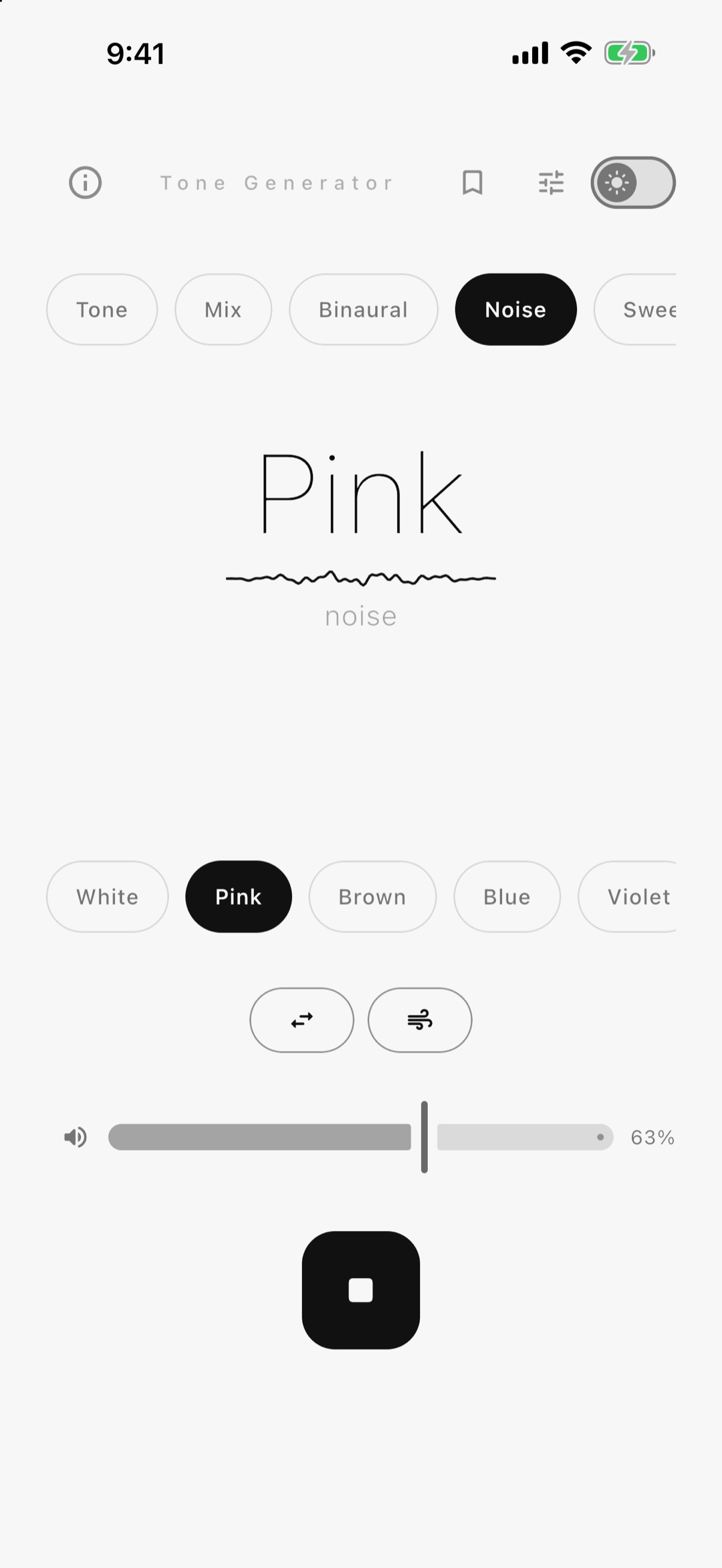
- White, pink, brown, blue, violet and grey noise that never loops, with a slow drift between the ears and a breathing swell. Lay it under a tone, a mix or binaural beats, as loud as you like
- Sweeps, linear or logarithmic, once or in a loop, with up to five legs chained together
- A playable keyboard with chords and arpeggio, and DTMF telephone tones
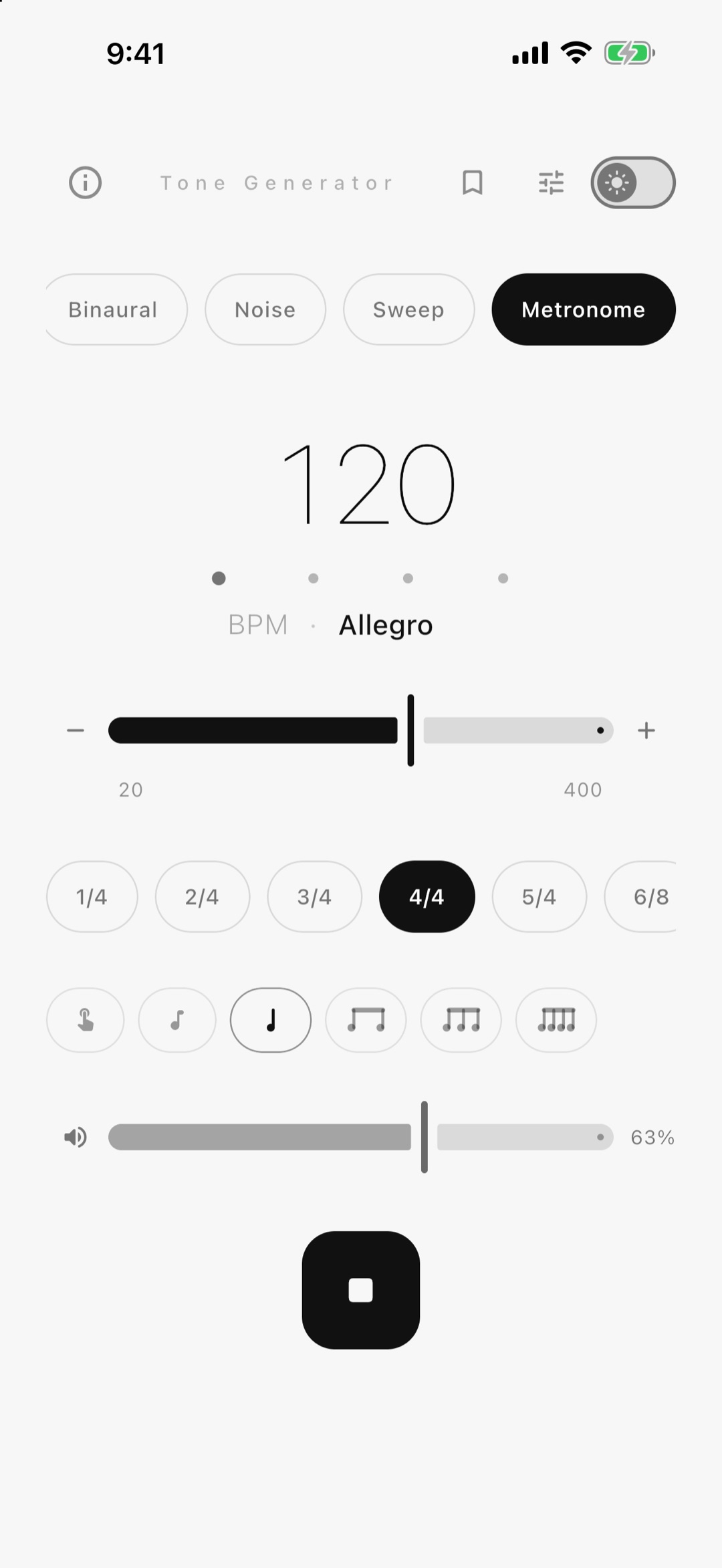
- A metronome from 20 to 400 BPM - tap tempo, meters from 1/4 to 12/8, subdivisions, accented or silent beats, four click sounds, a tempo trainer, and a buzz or a flash on every beat, with or without the click
- A Control Centre button stops the sound or starts it again, and quick actions on the app icon open a tone, noise, the metronome or the hearing check. Play, stop and change the metronome tempo from the lock screen
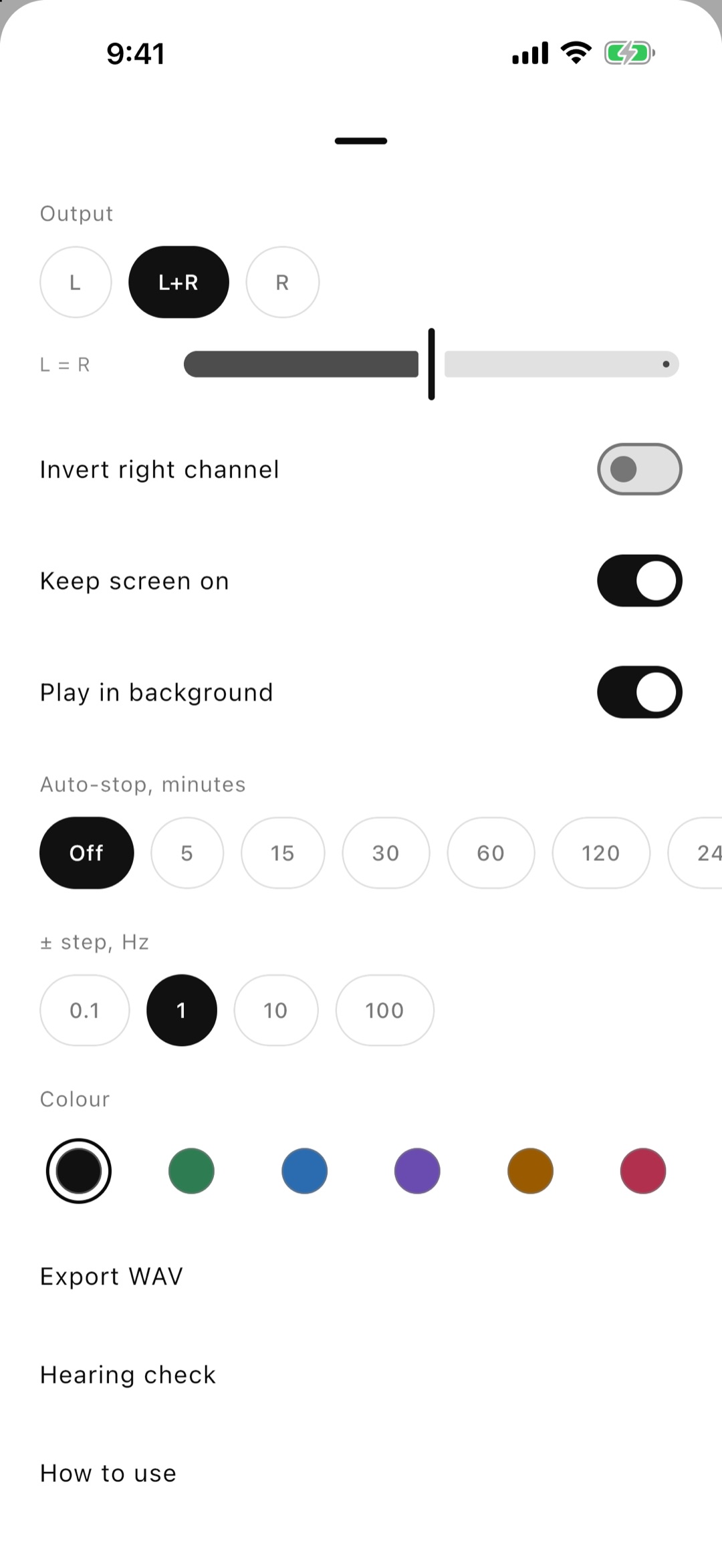
- Keeps playing with the screen off or in another app. Or stops when you leave, your choice
- Built-in bass test, hearing range sweep and speaker cleaner, plus your own named presets you can move to another phone, and the frequencies you played lately
- Sequences: setups that play one after another, each for its own time, once or in a loop
- Share a tone as a link - it opens in the app, or right here in the browser
- Export any signal to a WAV file up to five minutes long, at a set peak level in dBFS for test files
- Left/right balance for testing one speaker at a time, and the right channel's polarity flipped to check that two speakers are wired the same way
- Auto-stop from 5 minutes to 8 hours, with a gentle fade at the end
- The phone's own volume on screen, so you see the level before you press Play
- Six colours to dress the app in, each with a light and a dark side. The app icon follows your choice
- Made for iPhone and iPad, with two panes on iPhone Duo, 15 languages, and a guide to every control with step-by-step uses
- A one-time purchase removes the ads for good, or a short video turns them off for a day. Every feature is free either way
Audio engineering
- Band-limited synthesis using PolyBLEP and PolyBLAMP - no harsh aliasing artefacts, even at the top of the range
- Playback at your device's native sample rate, so nothing is resampled on the way out
- Waveforms matched for equal loudness - changing shape changes timbre, not level
- Smooth gain envelopes everywhere: start, stop, channel changes and the seam of a looping sweep
- Continuous-phase frequency changes - slide smoothly without zipper noise
- Pauses for calls and stops when headphones are unplugged, so a pure tone never lands in your ears at full volume
Hearing safety
Tone generators can damage hearing more easily than music - a pure continuous tone concentrates acoustic energy on a single frequency, and pure tones feel deceptively quiet. Set device volume to about 20–30% before pressing Play, limit sessions to 15–20 minutes, and be especially careful in the 1–2 kHz range. The app shows this guidance on first launch and keeps it one tap away behind the info icon.
Questions & answers
What frequency range does Tone Generator cover?expand_more
From 1 Hz to 22 kHz on a logarithmic slider, with − and + buttons in steps you choose and direct entry when you need an exact value. Presets cover 432, 440, 528 Hz and 1 kHz, and you can pin your own frequencies.
Which waveforms and noise types are included?expand_more
Sine, square, triangle and sawtooth, plus white, pink, brown, blue, violet and grey noise that is generated continuously rather than looped from a sample. There are also sweeps with up to five legs, binaural beats, a mix of up to ten tones, a keyboard and DTMF tones.
Does Tone Generator have a metronome?expand_more
Yes, on its own tab. Set 20 to 400 BPM with the slider, − and +, by typing or by tapping the tempo. Meters run from 1/4 to 12/8, with subdivisions down to sixteenths. Tap a beat to accent it or silence it, pick one of four click sounds, and let the tempo trainer speed you up every few bars.
Can Tone Generator check my hearing?expand_more
Yes, from Settings or by long-pressing the app icon. Put on headphones in a quiet room, and it plays faint beeps at eight pitches from 250 Hz to 16 kHz, one ear at a time, the way an audiologist does. The result is an audiogram that shows where your hearing dips and how your two ears compare. It is a check, not a medical test.
Can I share a tone or play sounds one after another?expand_more
Yes. On the Tone tab the presets sheet shares the tone as a link, which opens in the app or in the browser. The Sequence row in the same sheet plays setups one after another, each for its own time, once or in a loop.
Can I test one speaker at a time?expand_more
Yes. A balance control sends the signal fully left, fully right or anywhere in between, so you can check a single speaker or headphone side.
Is a tone generator safe for my hearing?expand_more
A pure continuous tone concentrates energy on one frequency and feels quieter than it is. Set device volume to about 20–30% before pressing Play, keep sessions to 15–20 minutes, and be careful between 1 and 2 kHz. The app pauses for calls and stops when headphones are unplugged.
Does it keep playing with the screen off?expand_more
Yes. Sound continues with the screen off or in another app, with controls on the lock screen. A button in Control Centre stops it, or opens the app and plays again. If you would rather it stopped when you leave, turn off Play in background in Settings.
Are any features locked or paid?expand_more
No. Every mode, effect, preset and the WAV export is free. The only thing sold is a one-time purchase that removes the ads.
Can I change how the app looks?expand_more
Yes. Settings has six colours - black, green, blue, violet, amber and rose - and each has a light and a dark side. The app icon on your home screen changes to match.
Does Tone Generator need an account or internet?expand_more
No. Everything is synthesized on the device, there is no sign-up, and your frequency, wave shape, balance and theme are remembered between launches.