

Tone Generator
Tones, noise and sweeps from 20 Hz to 20 kHz.
About
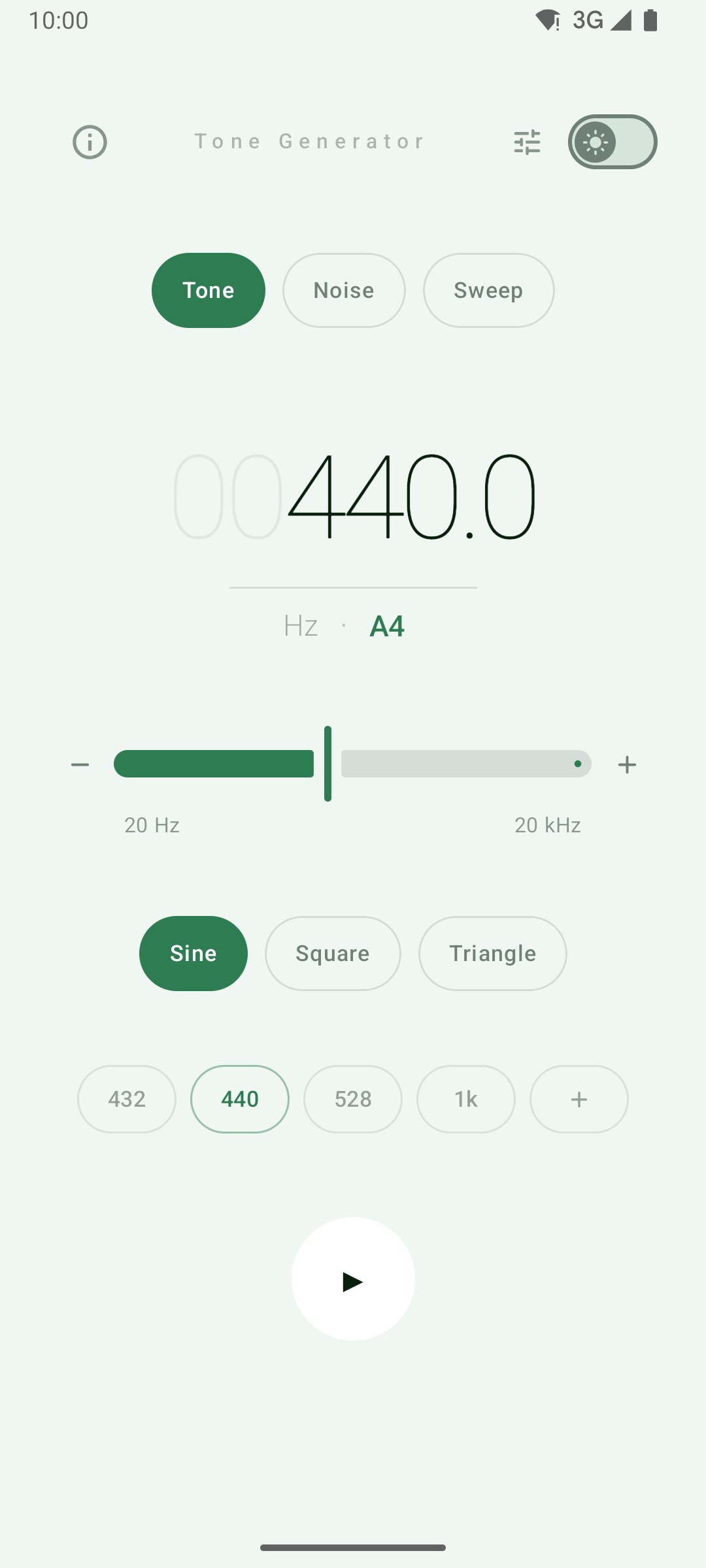
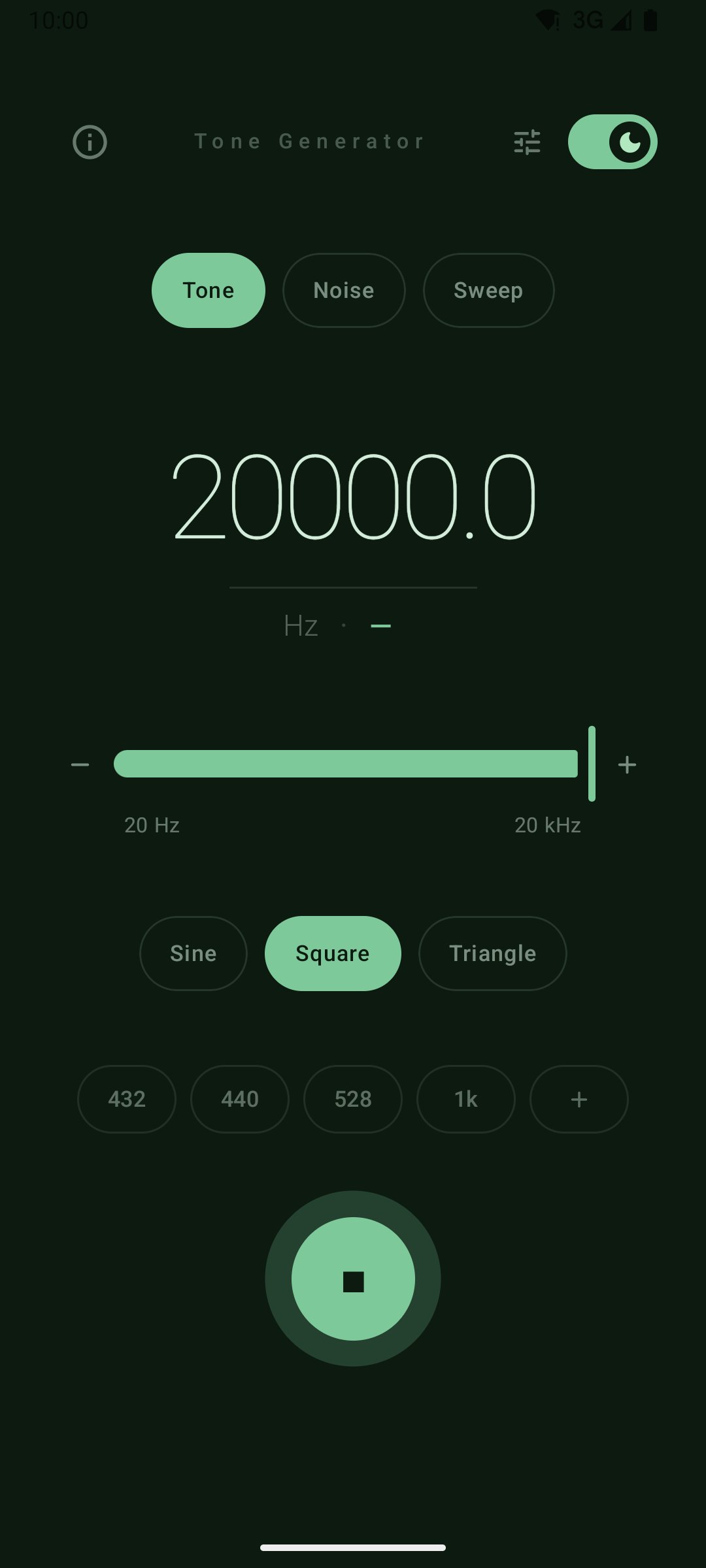
Tone Generator is a minimalist signal generator for musicians, sound engineers, students, and anyone who needs a reliable source on the go. Generate steady tones, noise and sweeps from 20 Hz to 20 kHz directly on your phone — and send the signal to one speaker at a time when you need to test a channel.
Features
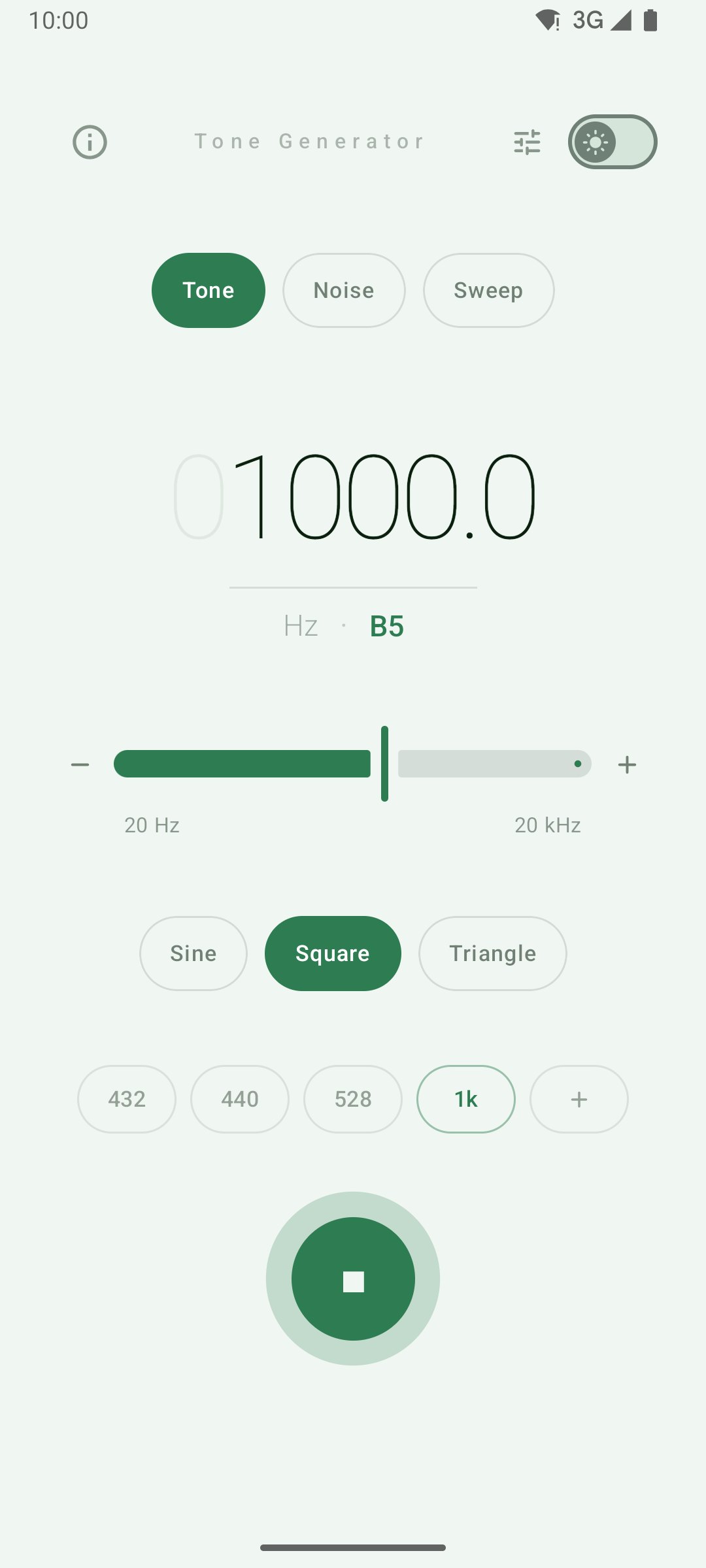
- Tones from 20 Hz to 20 kHz on a logarithmic slider, with ±1 Hz buttons and direct entry for exact values
- Three waveforms — sine (pure tone), square (rich harmonics), triangle (warm timbre)
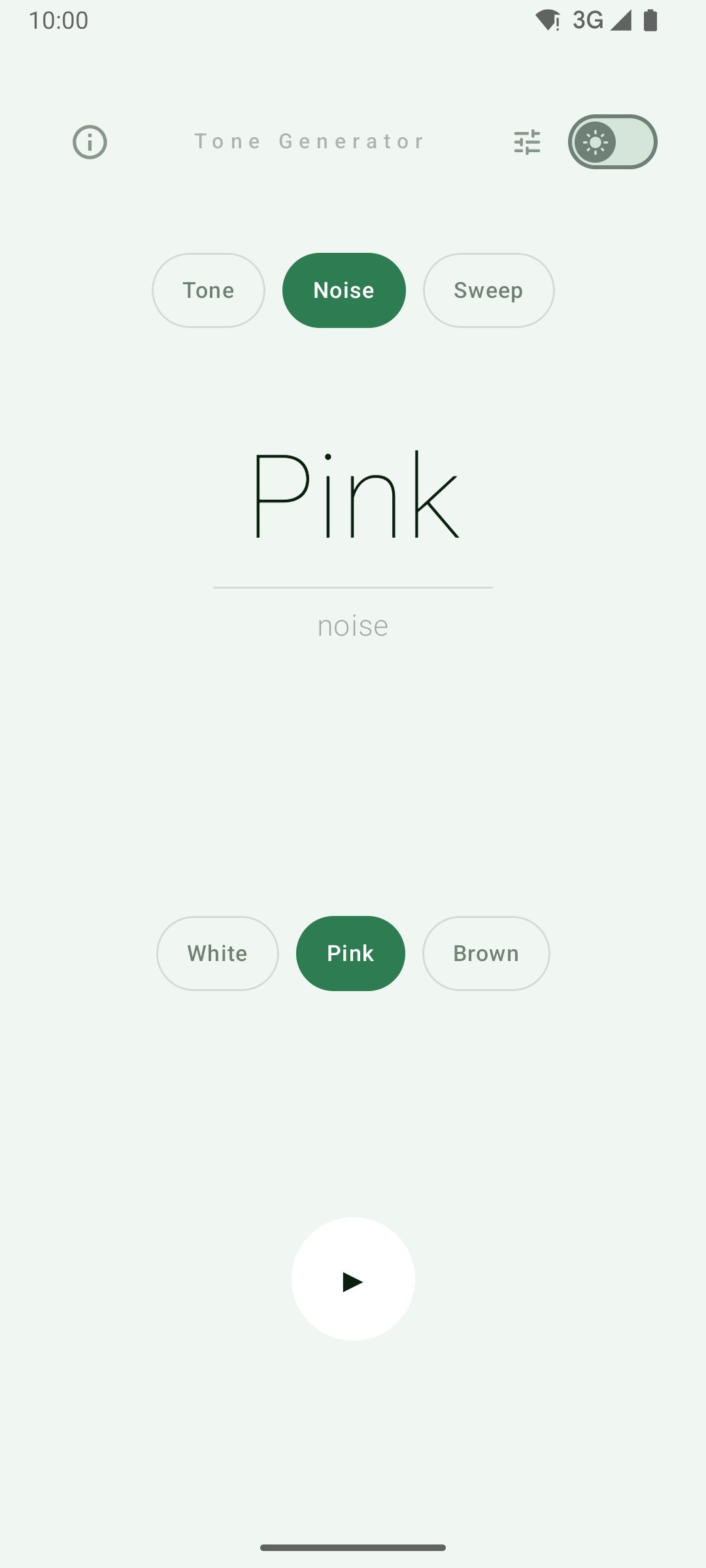
- White, pink and brown noise, generated continuously rather than looped from a sample
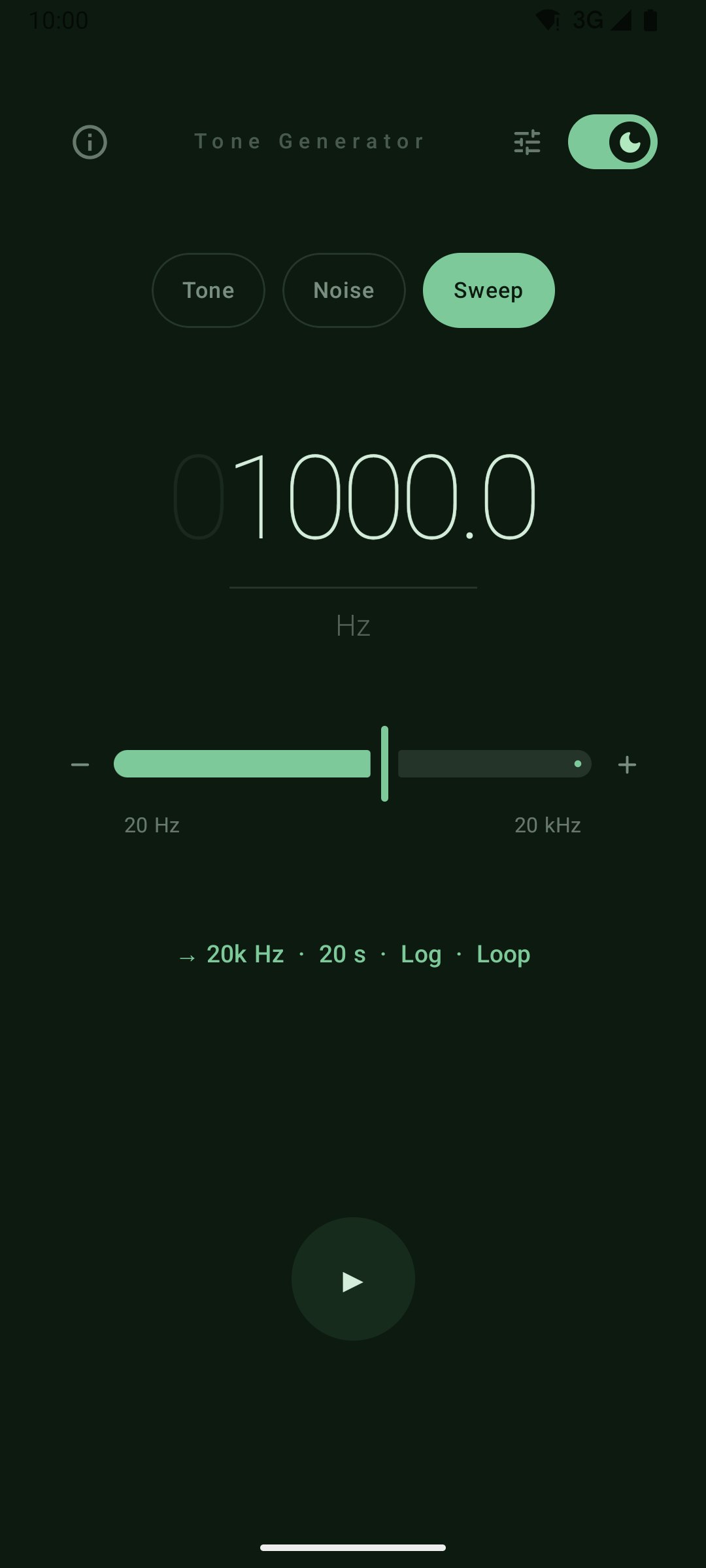
- Sweeps between two frequencies over 5 to 120 seconds — linear or logarithmic, one-shot or looping
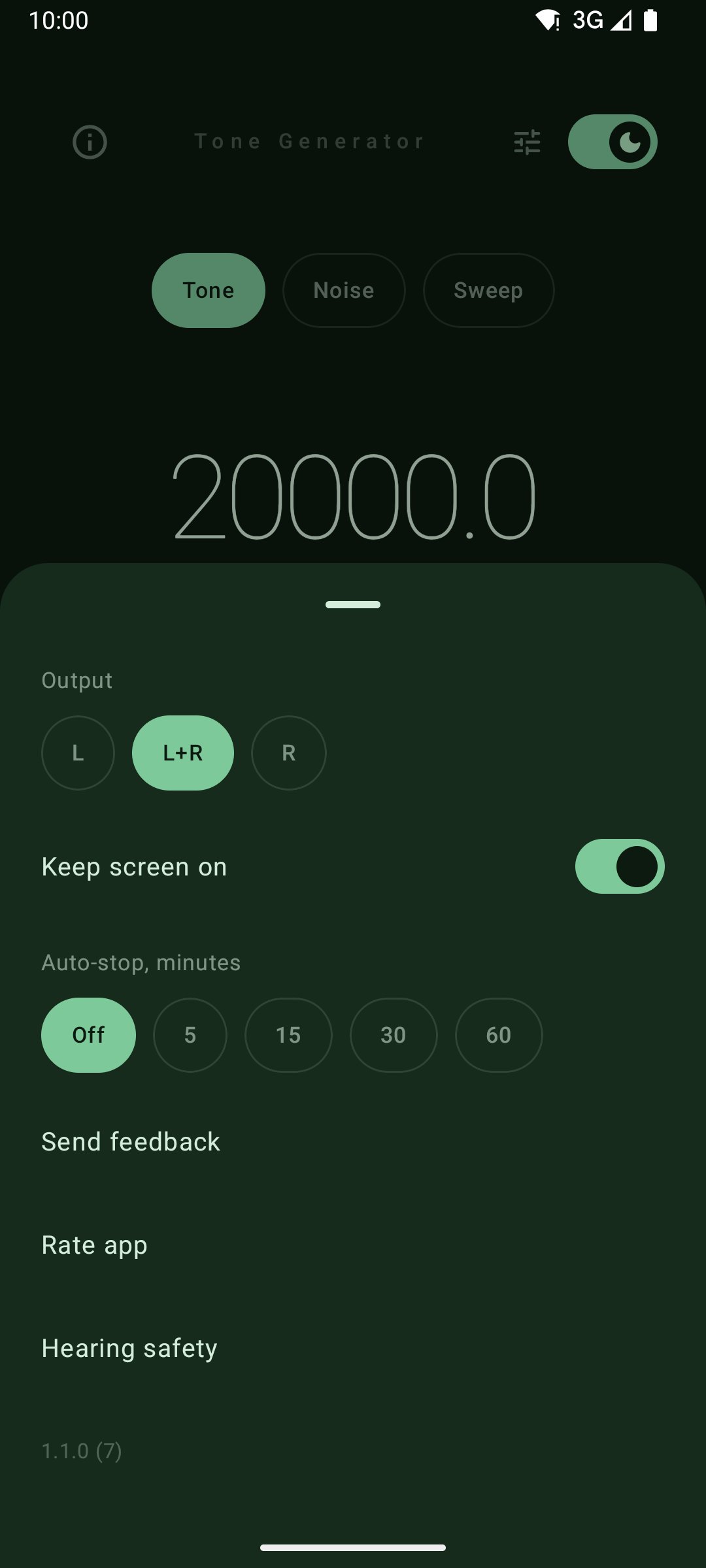
- Output to the left channel, the right, or both, for testing one speaker at a time
- Musical note display showing the closest note (A4, C♯5, …) for any frequency
- Keep the screen on while a signal plays, and auto-stop after 5, 15, 30 or 60 minutes
- Quick presets for 432, 440, 528 Hz and 1 kHz, plus your own pinned frequencies
- Dark and light themes, a tablet layout, and 14 languages
- Your frequency, waveform, routing and theme are preserved across app launches
Audio engineering
- Band-limited synthesis using PolyBLEP and PolyBLAMP — no harsh aliasing artefacts, even at the top of the range
- Playback at your device's native sample rate, so nothing is resampled on the way out
- Waveforms matched for equal loudness — changing shape changes timbre, not level
- Smooth gain envelopes everywhere: start, stop, channel changes and the seam of a looping sweep
- Continuous-phase frequency changes — slide smoothly without zipper noise
- Pauses for calls and stops when headphones are unplugged, so a pure tone never lands in your ears at full volume
Hearing safety
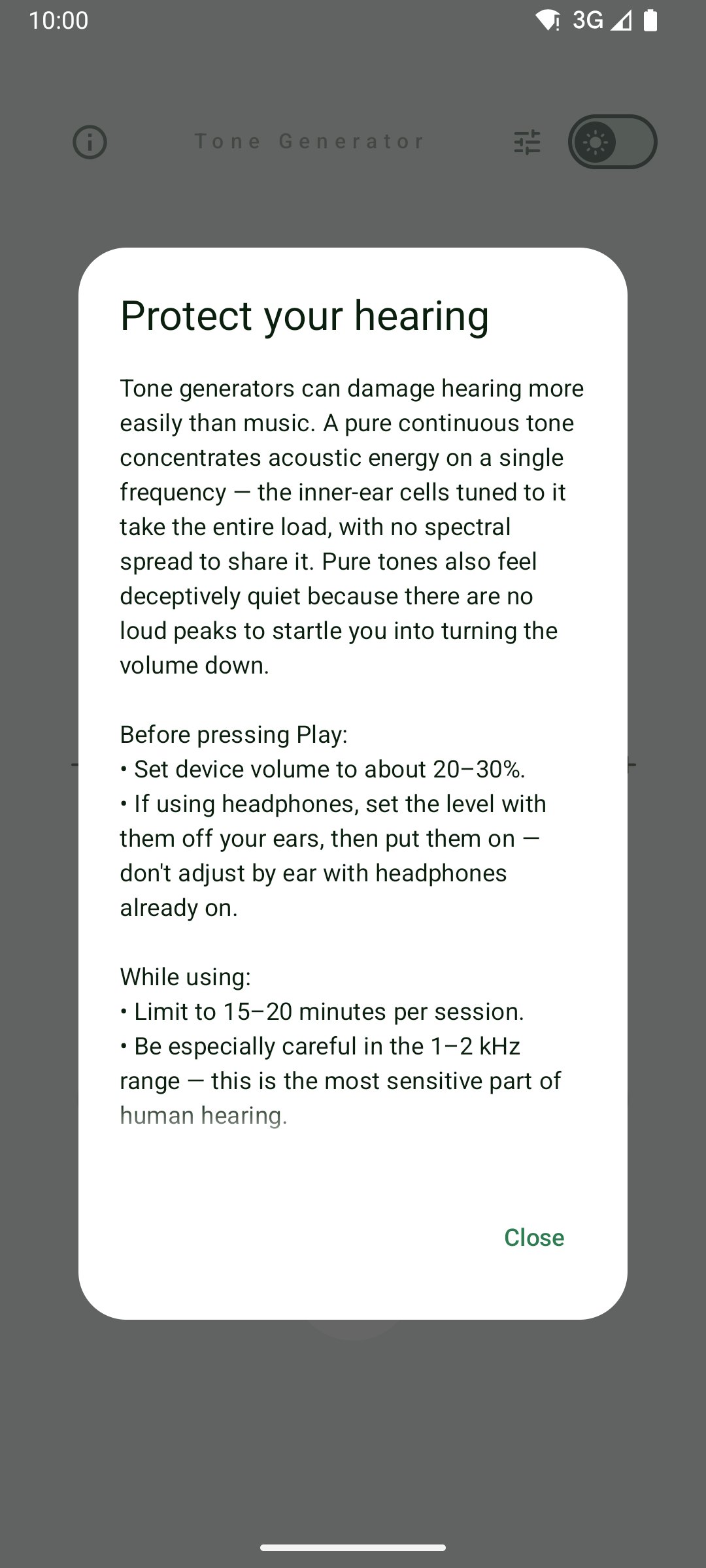
Tone generators can damage hearing more easily than music — a pure continuous tone concentrates acoustic energy on a single frequency, and pure tones feel deceptively quiet. Set device volume to about 20–30% before pressing Play, limit sessions to 15–20 minutes, and be especially careful in the 1–2 kHz range. The app shows this guidance on first launch and keeps it one tap away behind the info icon.
Questions & answers
What frequency range does Tone Generator cover?expand_more
From 20 Hz to 20 kHz on a logarithmic slider, with ±1 Hz buttons and direct entry when you need an exact value. Presets cover 432, 440, 528 Hz and 1 kHz, and you can pin your own frequencies.
Which waveforms and noise types are included?expand_more
Sine, square and triangle waveforms, plus white, pink and brown noise generated continuously rather than looped from a sample. Sweeps run between two frequencies over 5 to 120 seconds, linear or logarithmic, one-shot or looping.
Can I test one speaker at a time?expand_more
Yes. The signal can go to the left channel, the right channel or both, so you can check a single speaker or headphone side.
Is a tone generator safe for my hearing?expand_more
A pure continuous tone concentrates energy on one frequency and feels quieter than it is. Set device volume to about 20–30% before pressing Play, keep sessions to 15–20 minutes, and be careful between 1 and 2 kHz. The app pauses for calls and stops when headphones are unplugged.
Does Tone Generator need an account or internet?expand_more
No. Everything is synthesized on the device, there is no sign-up, and your frequency, waveform, routing and theme are remembered between launches.