

QR Barcode Scanner Generator
Scan and create QR codes and barcodes — links, Wi-Fi, contacts. Fast and offline.
About
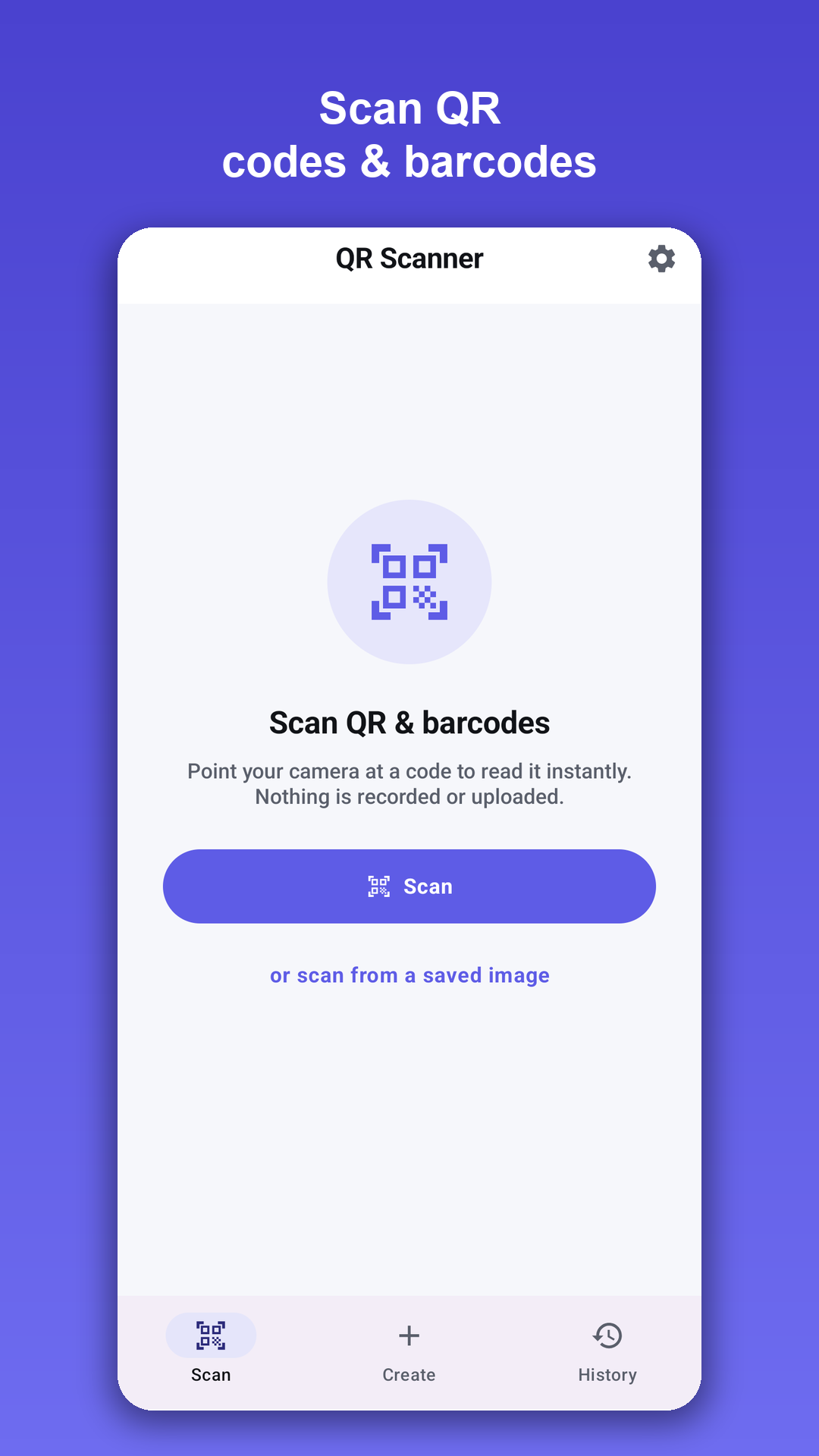
QR Barcode Scanner Generator is the fast, no-nonsense way to read and create any code right from your phone — QR codes and every common barcode. Point your camera and the right action happens automatically: open a link, join a Wi-Fi network, save a contact, or drop a pin on the map. Need to make a code? The built-in generator turns links, text, Wi-Fi, contacts and more into shareable codes in seconds. No clutter, no sign-up, and scanning and creating happen entirely on your device.
Scan anything
- Lightning-fast reader powered by on-device Google ML Kit — QR, EAN-13/8, UPC-A/E, Code 128/39/93, ITF, Codabar, Data Matrix, PDF417 and Aztec
- Scan live with the camera or from a saved image in your gallery
- Built-in torch for low light, with beep and vibrate feedback so you know it worked
Smart actions
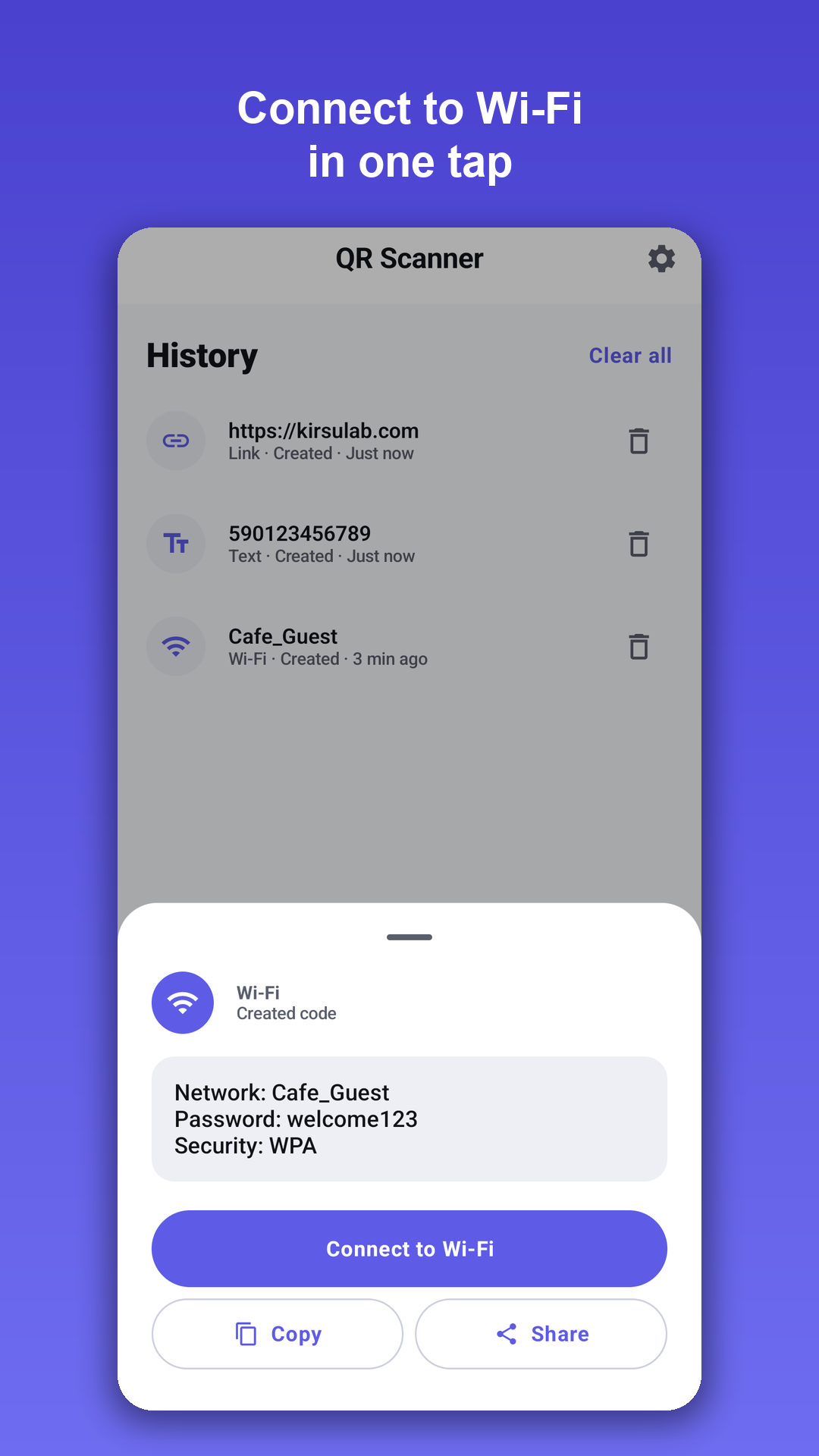
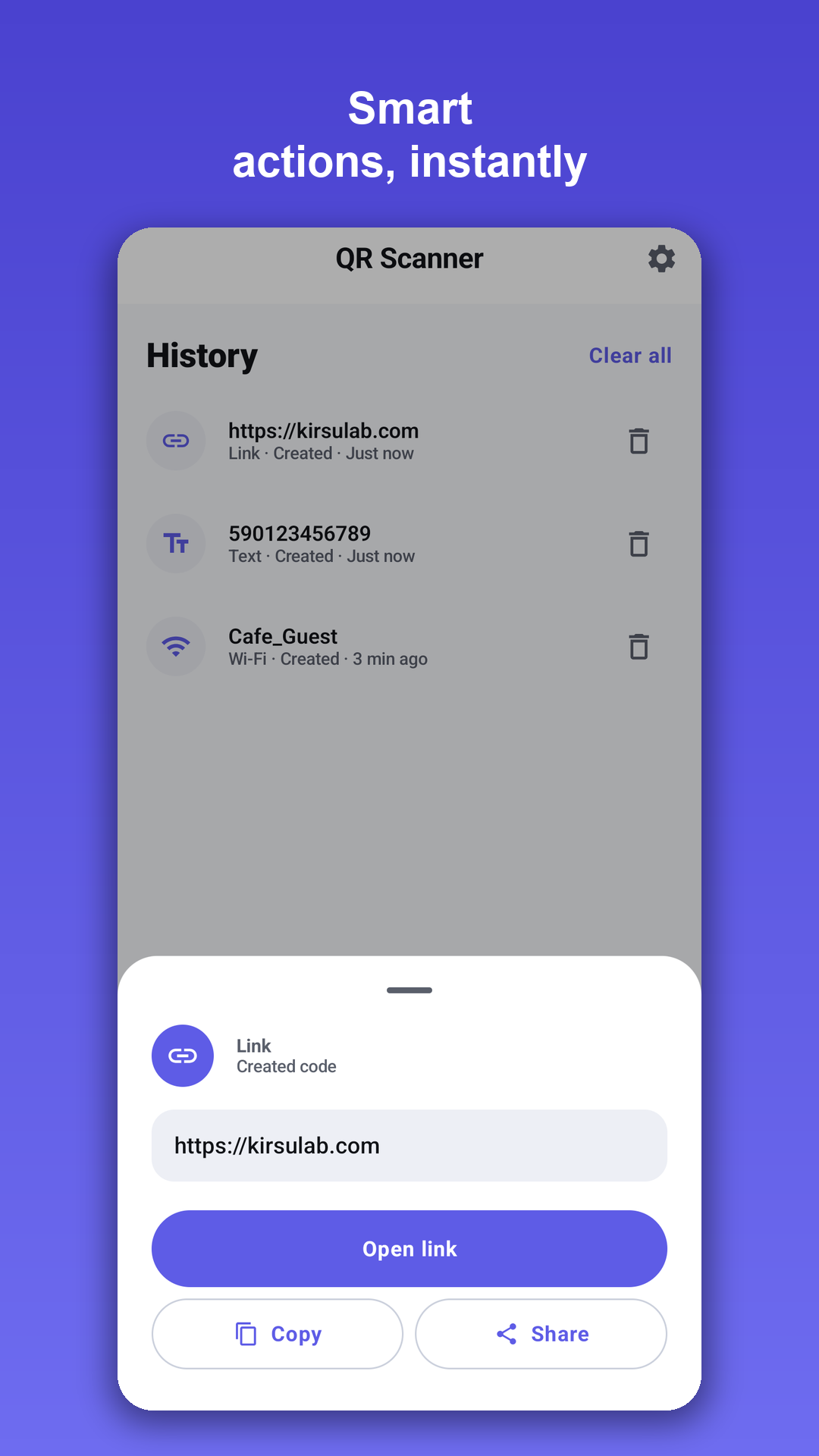
- A scanned code instantly offers the right thing — open a website, connect to Wi-Fi, add a contact, send an email or SMS, dial a number, or open a location in Maps
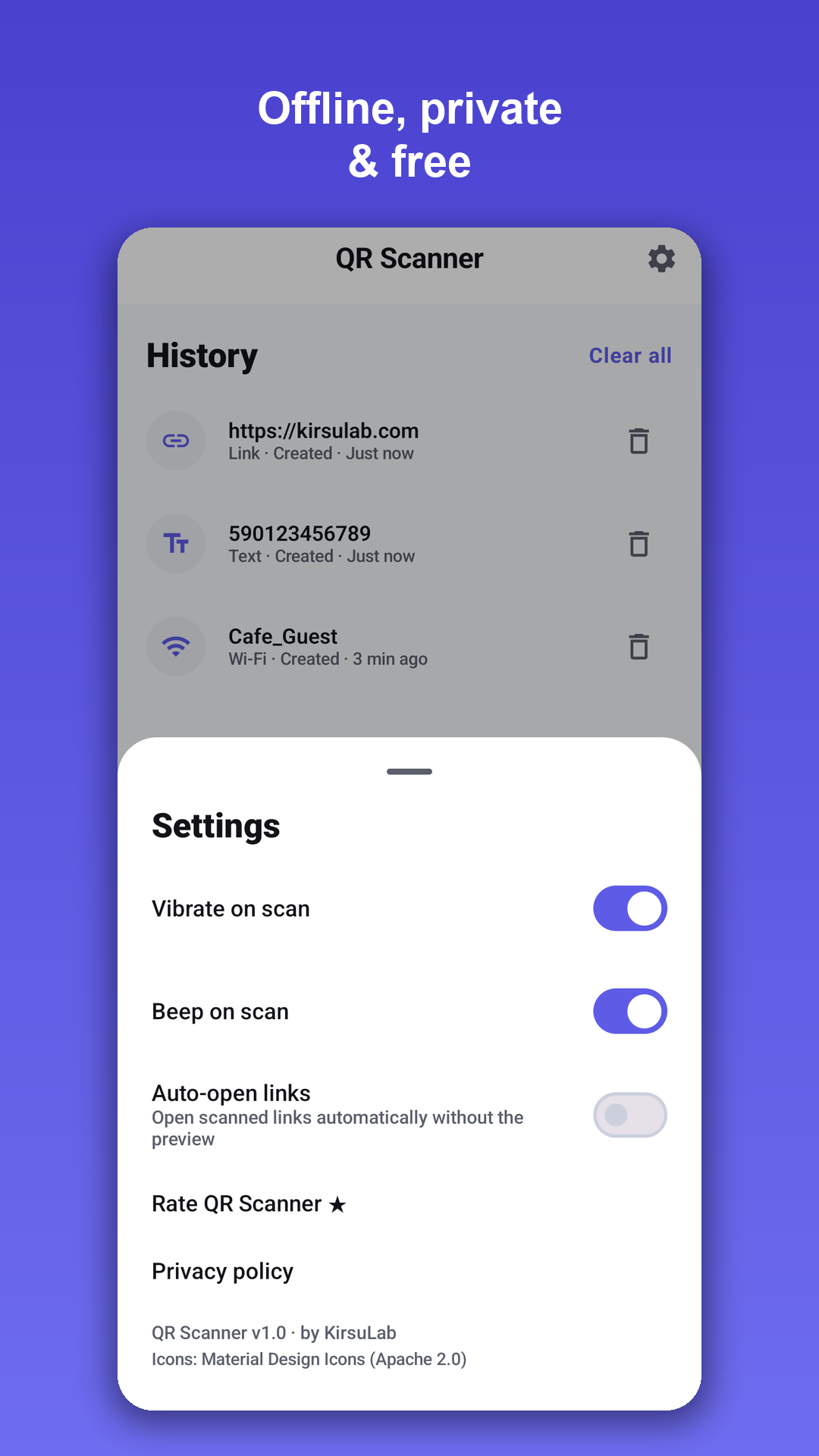
- Copy or share any result, with optional auto-open for links
Create your own codes
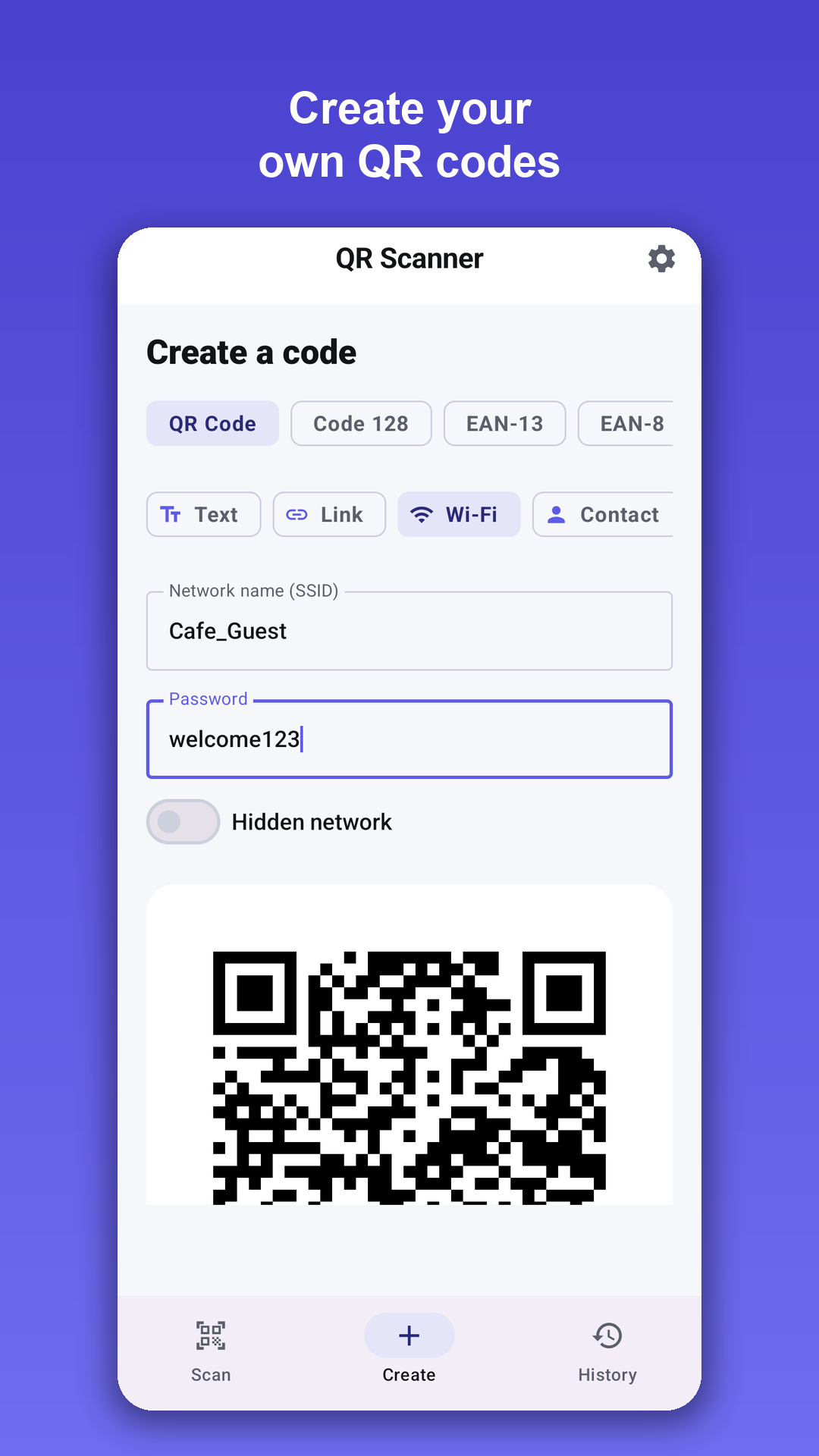
- A full QR generator and barcode maker in one place — QR codes for URL, text, Wi-Fi, contact, email, phone, SMS and geo-location
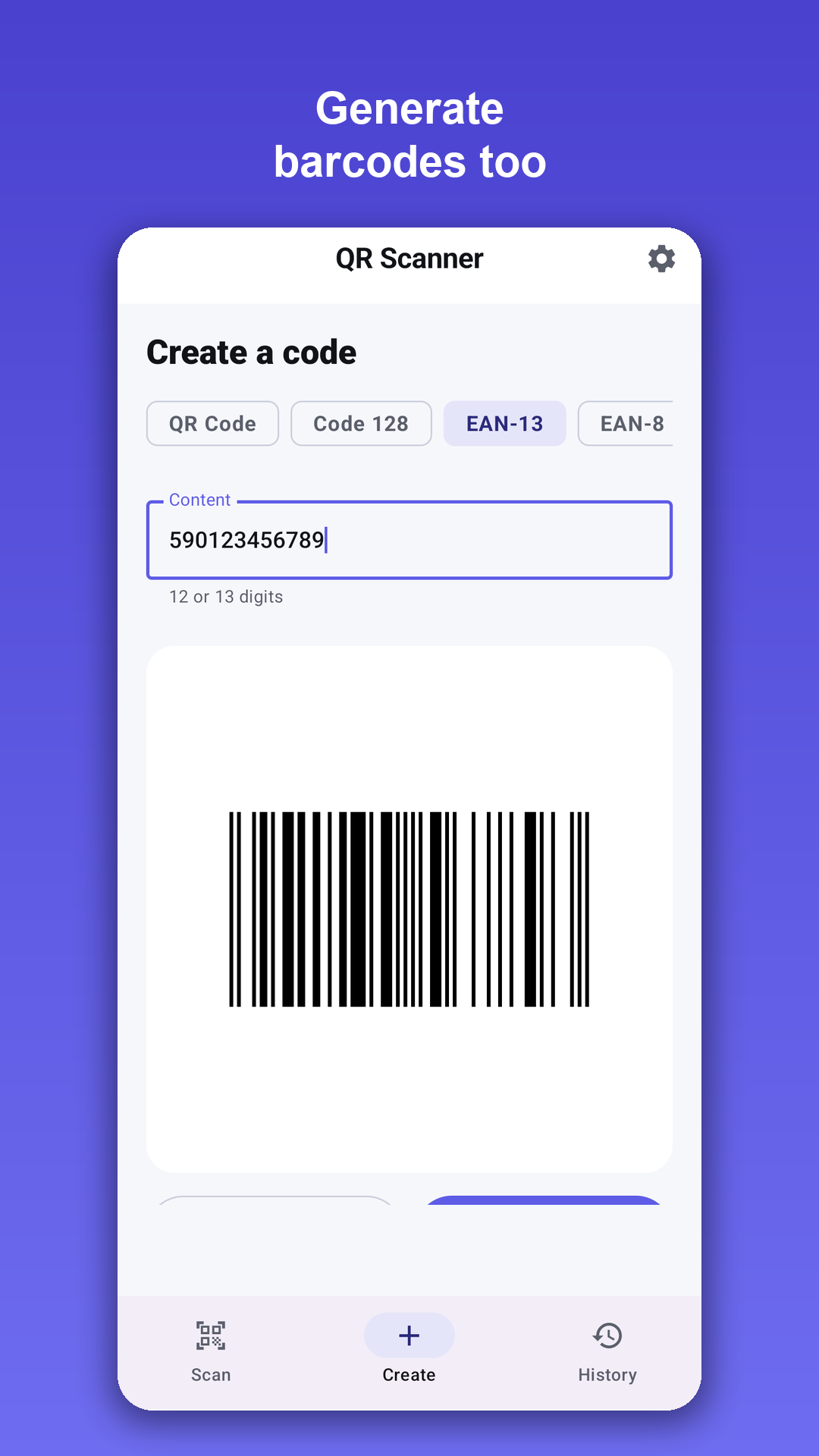
- 1D barcodes — Code 128, EAN-13, EAN-8 and UPC-A with live validation
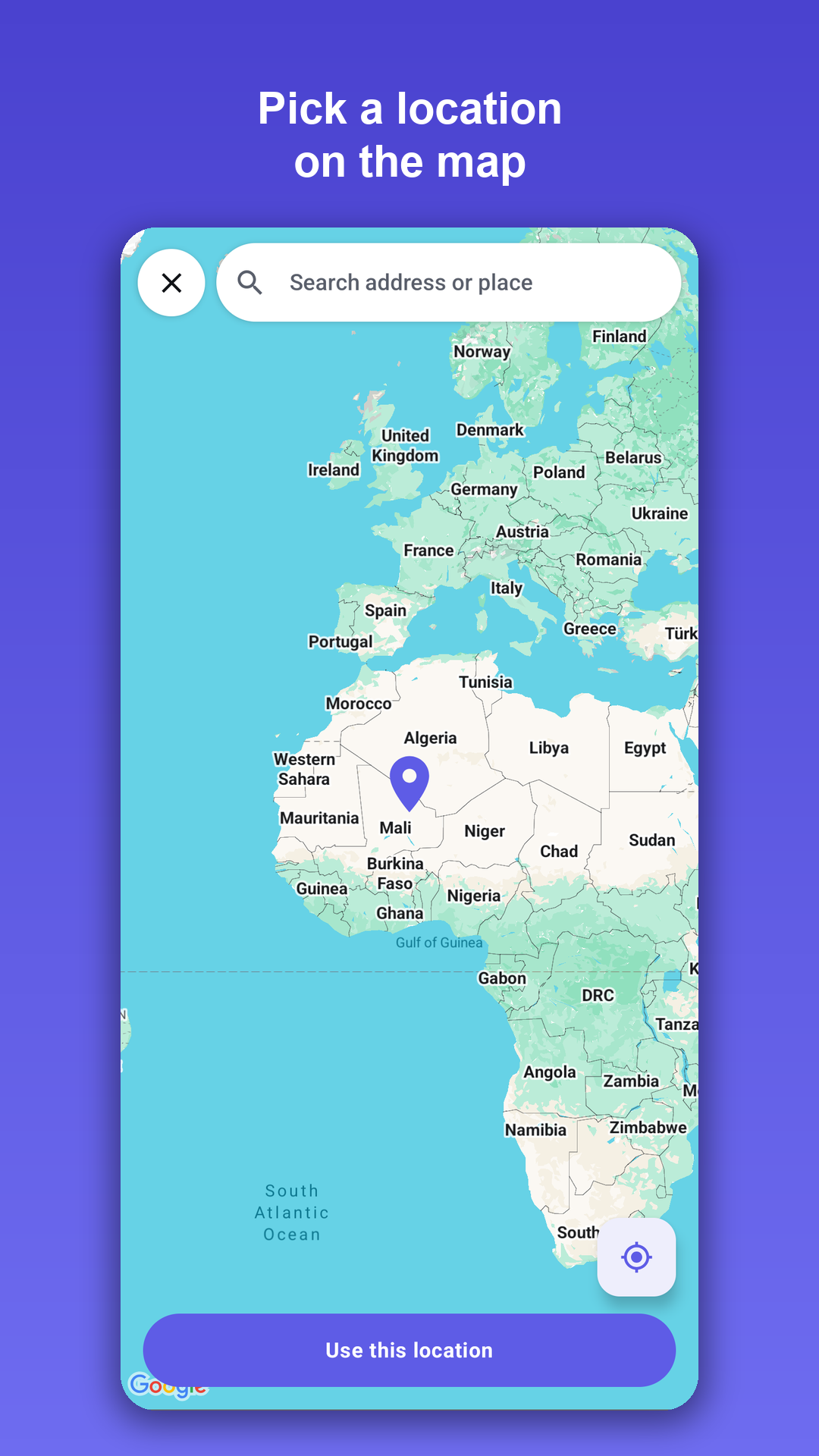
- Map location picker — drag a pin, search an address, or use your current spot, then save to your gallery or share anywhere
Private by design
- Scanning and code generation work fully offline — your codes are never uploaded
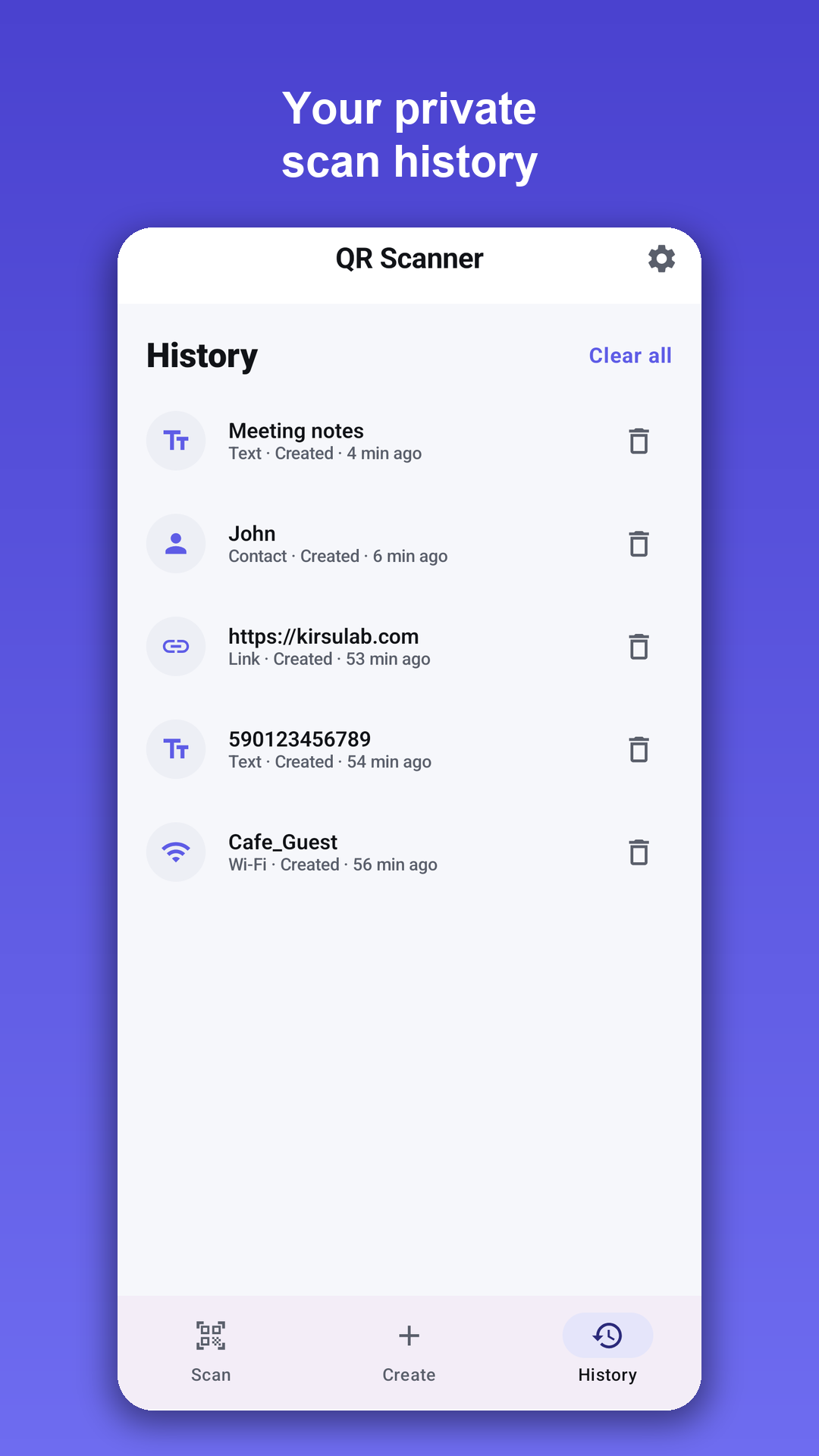
- A history of everything you've scanned and created, stored privately on your phone and clearable any time
- Six languages with full right-to-left support, clean dark mode, and free to use
Scan smarter, stay private
The camera is used only to read codes, on your device — scanned content is never recorded or uploaded. Everything you scan and create stays on your phone.
Questions & answers
Which codes can the scanner read?expand_more
QR codes and all common barcodes: EAN-13, EAN-8, UPC-A, UPC-E, Code 128, Code 39, Code 93, ITF, Codabar, Data Matrix, PDF417 and Aztec. Scan live with the camera or from an image in your gallery.
What happens after a scan?expand_more
The right action is offered automatically: open a website, join a Wi-Fi network, save a contact, send an email or SMS, dial a number or open a location in Maps. Any result can be copied or shared.
Can I create my own QR codes and barcodes?expand_more
Yes. QR codes for URLs, text, Wi-Fi, contacts, email, phone, SMS and map locations, plus Code 128, EAN-13, EAN-8 and UPC-A barcodes with live validation. Save to the gallery or share anywhere.
Is anything I scan uploaded?expand_more
No. Scanning and generation run fully offline on the device with Google ML Kit. Your history stays on the phone and can be cleared at any time.
Is the app free?expand_more
Yes. It is free to use, comes in six languages with full right-to-left support, and has a clean dark mode.