

Conduit
Transfer and manage files on your Android phone, action camera or SD card from your Mac — over USB or Wi-Fi.
Version 1.9.0 · 186 MB · macOS 10.15 (Catalina) or later · Apple Silicon & Intel · Notarized by Apple
brew install --cask KirsuLab/tap/conduit
Android file transfer for Mac, over USB or Wi-Fi
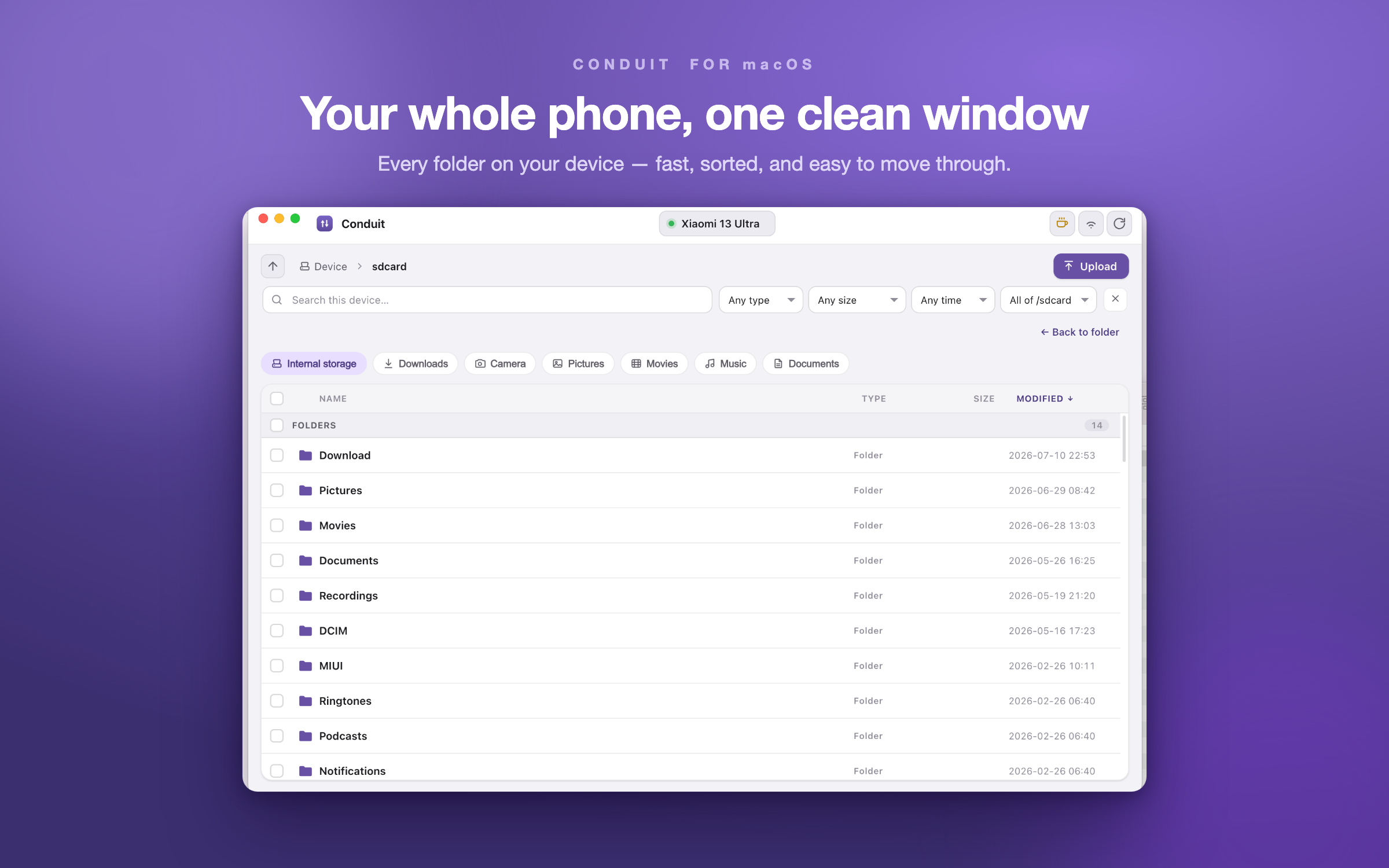
Conduit is a fast, native Android file manager for macOS — a clean way to transfer files between your Android phone and your Mac. Plug in over USB, or connect wirelessly over Wi-Fi, and your device opens in a lightweight window: browse folders, copy photos and videos to your Mac, upload files to the phone, preview media, rename and organize, and delete files on your Android — all from your desktop. If you've been let down by Google's discontinued Android File Transfer, Conduit is the alternative: quick and steady even with large videos, with no sign-in, no ads, and no cloud in the middle. Just your files, going where you want them.
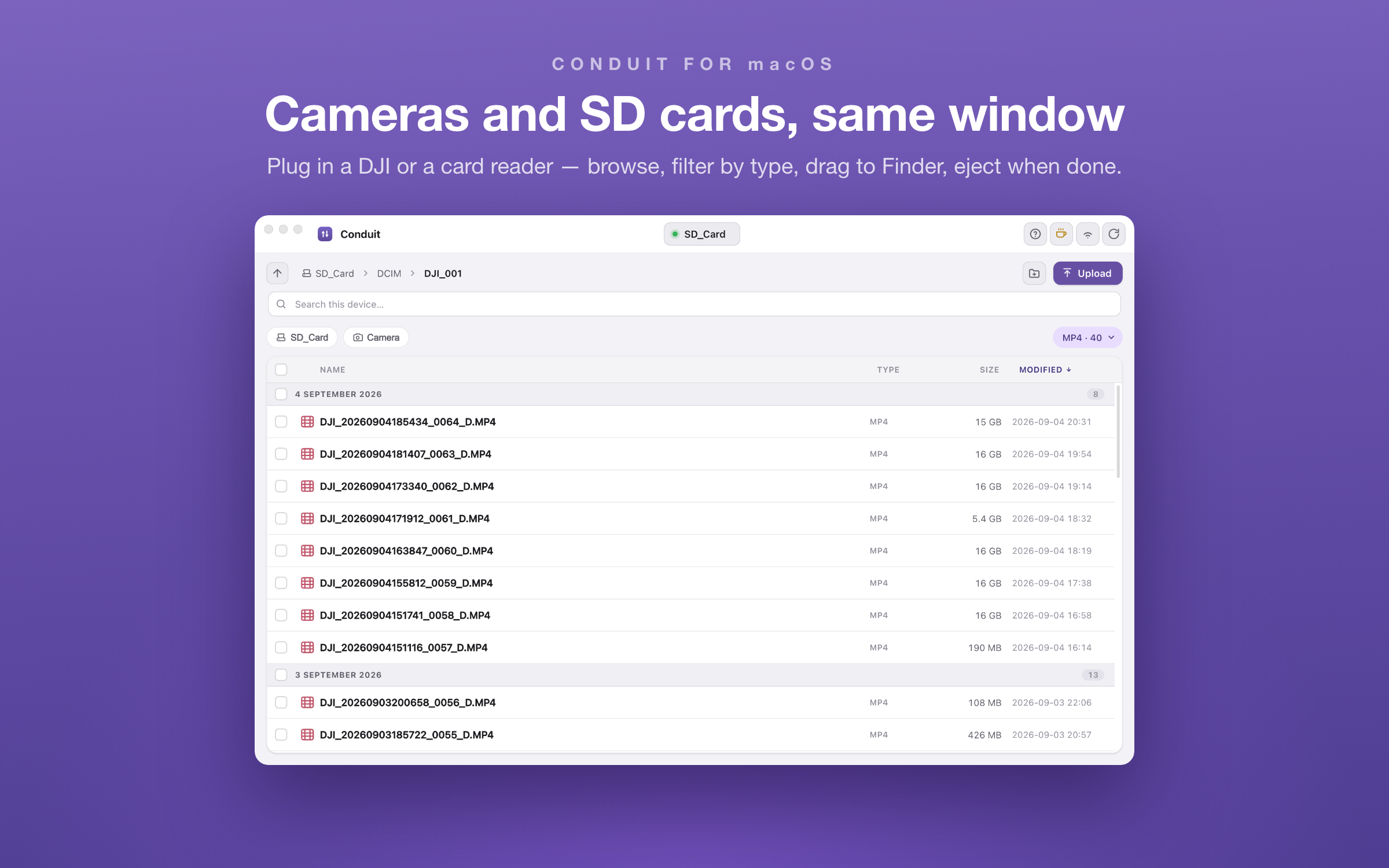
It isn't only for phones. Plug in an action camera in file-transfer mode, an SD card in a reader or a USB stick, and it appears in the same device menu next to your phone — browse, copy, upload, rename and delete with the same window and the same gestures, then eject it safely from the menu when you're done. DJI cameras keep a low-resolution proxy next to every clip; Conduit plays it instantly, so you can check a 15 GB take without copying it first.
Features
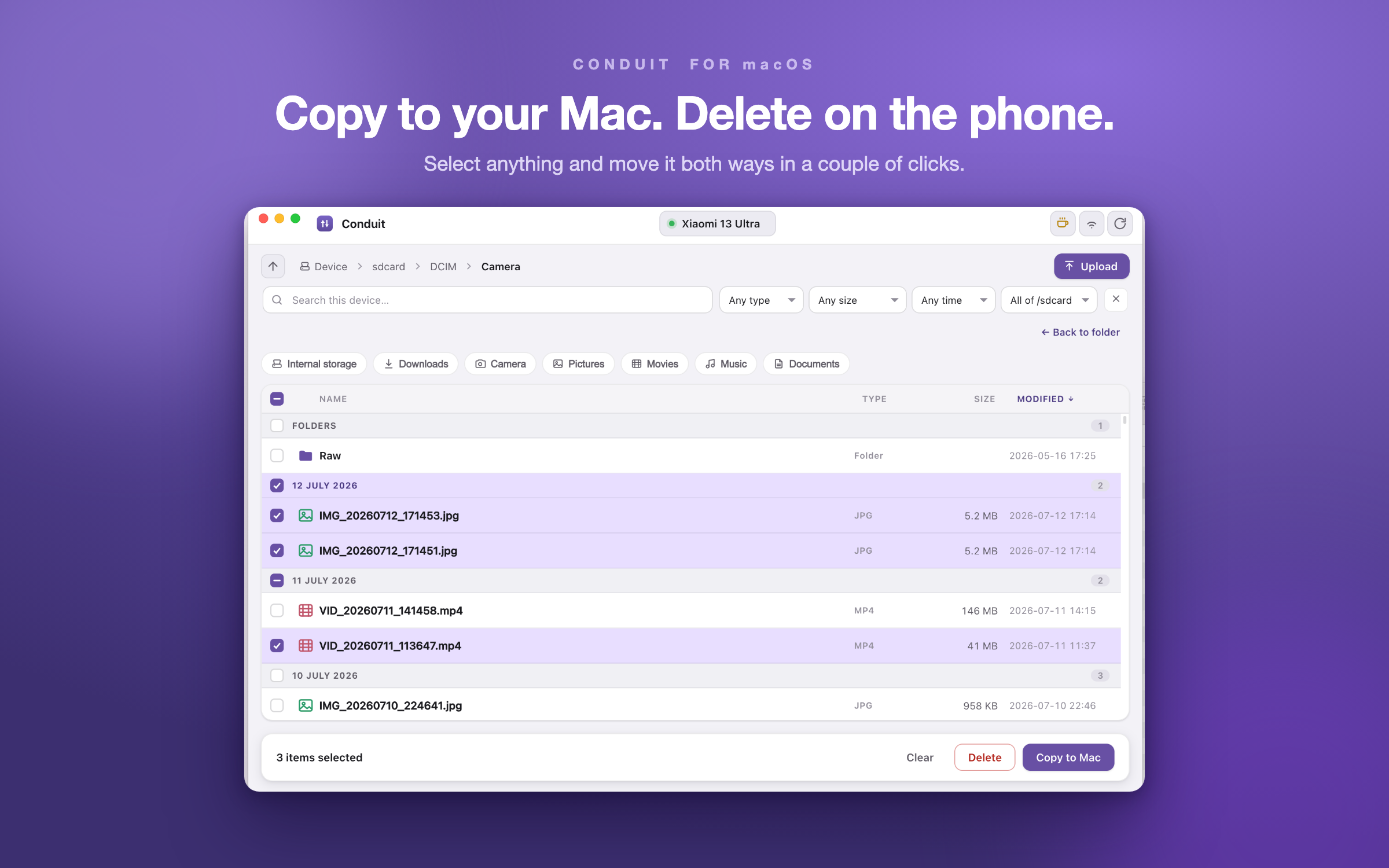
- Fast, steady transfers both ways — copy to your Mac and upload to your phone at full USB speed, from single photos to multi-gigabyte videos, without stalls or dropouts
- Transfers run in the background — a queue shows overall progress and the current file, and you can cancel any single file or folder while you keep working
- Never overwrite by accident — when a name already exists Conduit asks, item by item, to Replace, Keep Both, or Skip
- Rename and organize on the device — Finder-style inline renaming and a New Folder button, right where your files live
- Right-click for everything — a context menu with Open, Preview, Copy to Mac, Rename and Delete, on one item or a whole selection
- Delete right from the window — clear files off the device through the same interface, always with a confirmation, so you never have to touch the phone
- Browse the whole device — folders, quick shortcuts for Download, DCIM and Pictures, and sorting by name, type, size or date, with files neatly grouped by day
- Drag from Finder to upload — drop files or folders into the window, or straight onto a folder in the list; press Esc to cancel a drag, and use Copy to Mac to pull the other way
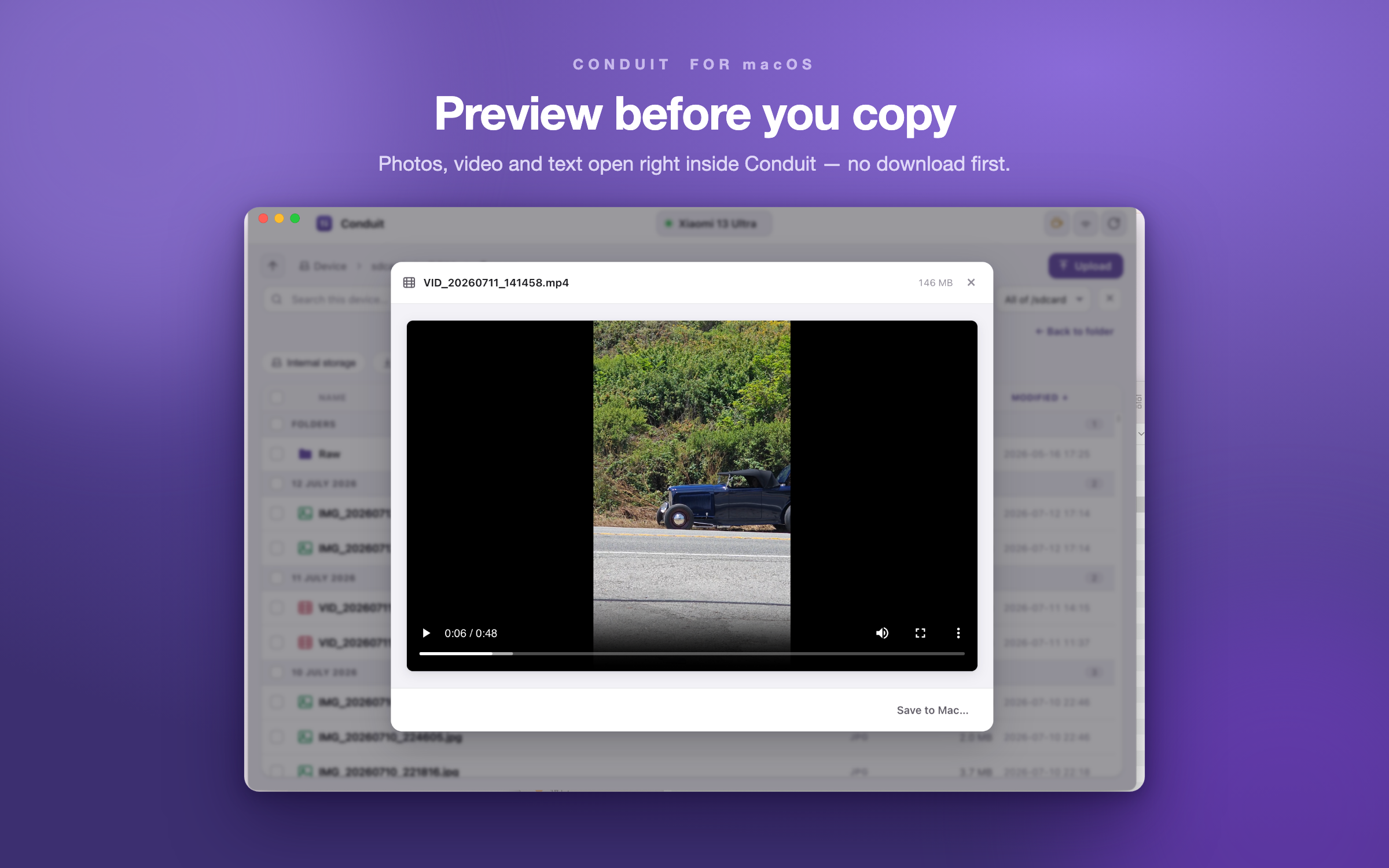
- Preview before you copy — open images, video (streamed straight from the device) and text or code right in the app, no download needed
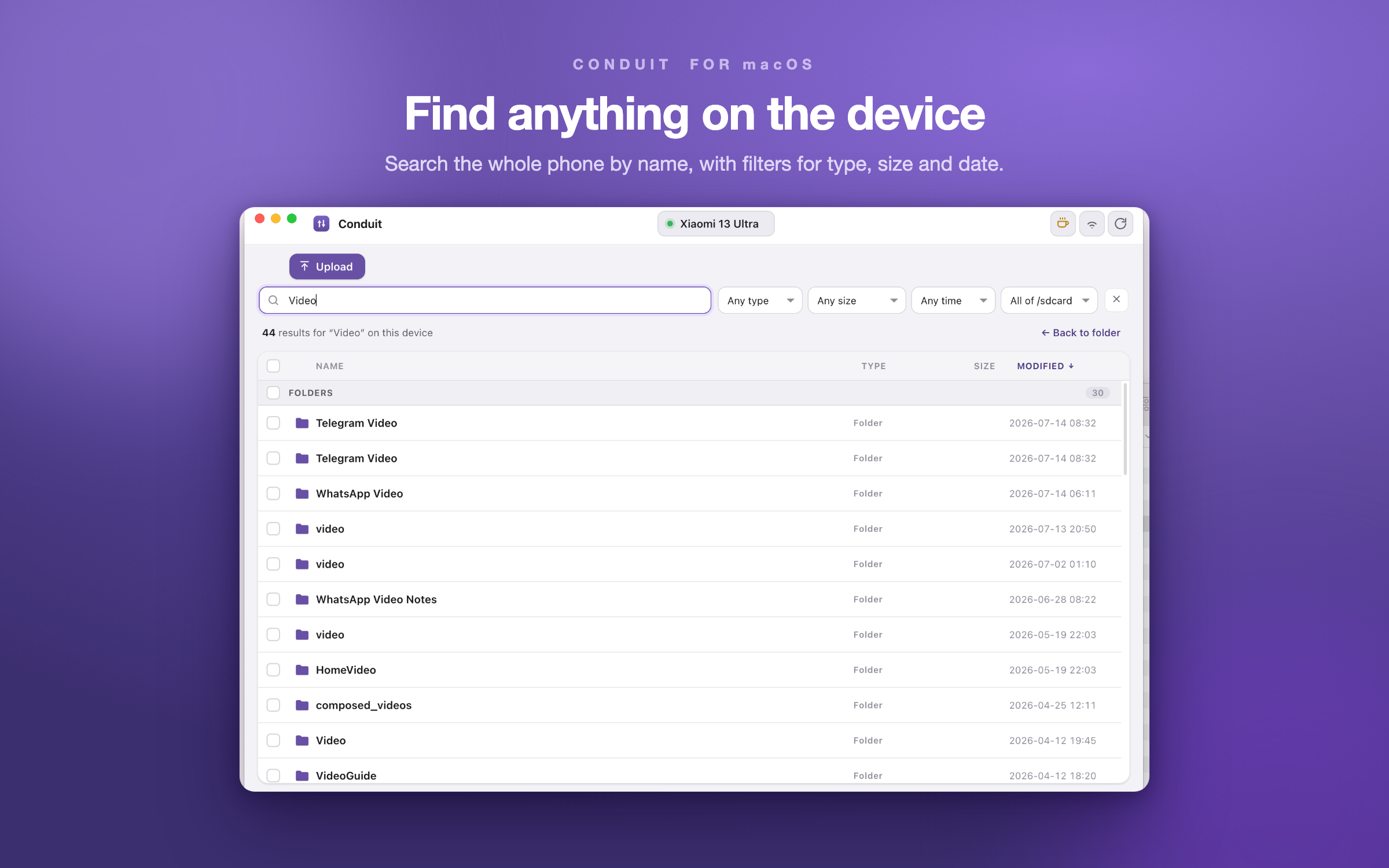
- Search the whole device — find files by name as you type, with filters for type, size, date and scope
- Select like on a Mac — click a row to pick it, rubber-band a box (hold ⌥ to invert), or Shift-click to grab a whole run at once
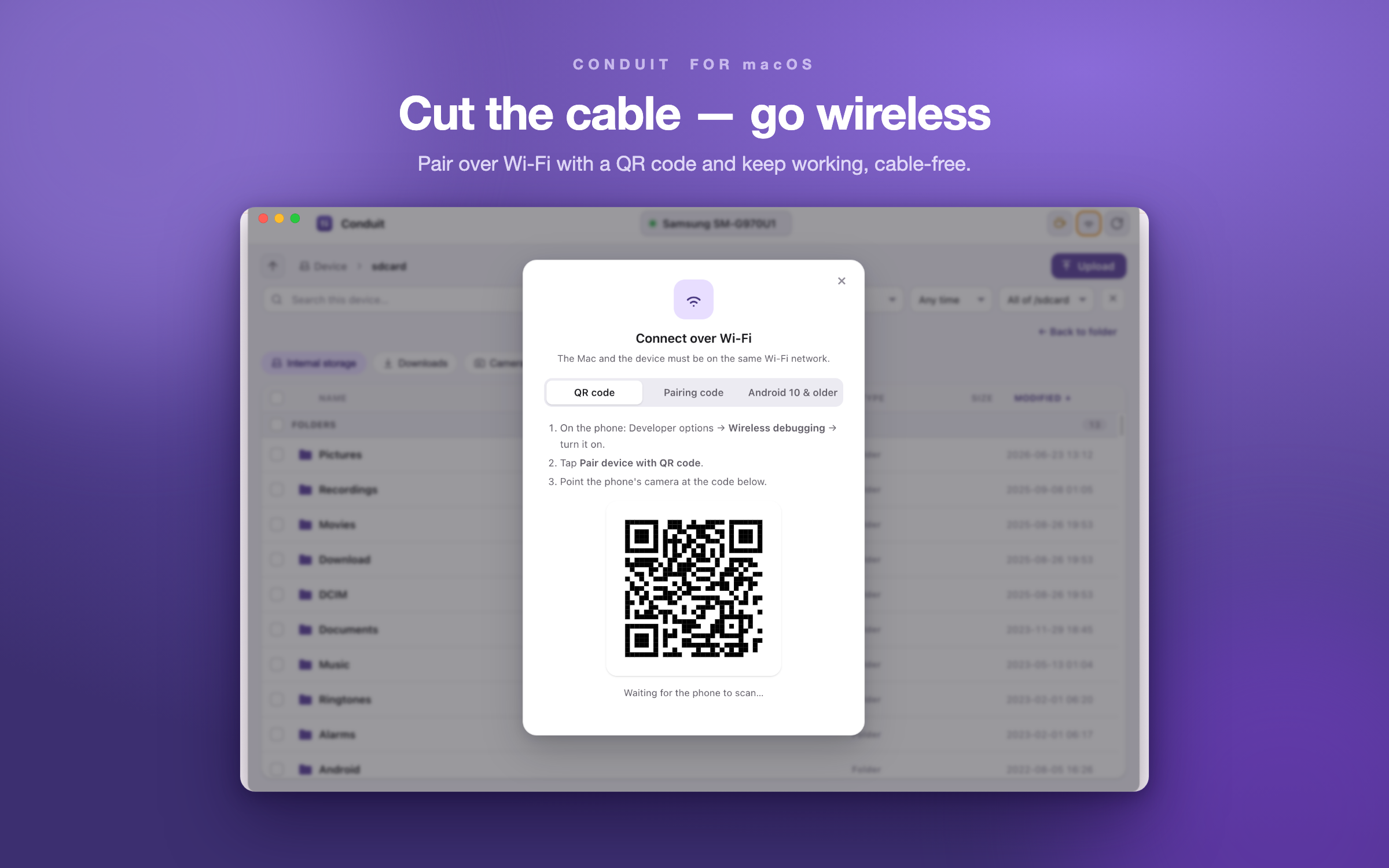
- Go wireless — pair over Wi-Fi with a QR code or pairing code (Android 11+), or a one-time cable setup for Android 10
- Cameras and SD cards too — anything your Mac mounts as a disk (DJI Osmo Action in file-transfer mode, a card in a reader, a USB stick) shows up next to your phone with free space and an eject button; locked cards are marked read-only
- Show only one file type — a small menu lists the extensions in the open folder with counts, so "just the MP4s, not the proxies" is one click, and select-all takes exactly what you see
- Drag out to Finder — from a camera or card, drag files straight from the list into Finder or your editor; a finished transfer opens its folder in Finder on click
- Works on every Mac — one universal download, native on both Apple Silicon and Intel, on macOS 10.15 (Catalina) and later; small, responsive, and notarized by Apple
Your files never leave your machines
Conduit talks directly to your phone through adb — over the USB cable or your local Wi-Fi. There's no account, no analytics, and no cloud middleman. Nothing you browse, copy or move is ever sent to us or anyone else. What's on your phone stays between your phone and your Mac.
Before you start
Conduit needs Google's small adb (Android Debug Bridge) helper to talk to your phone. If it isn't installed, the app walks you through a one-time setup — the easiest route is brew install --cask android-platform-tools. On the phone, enable Developer options and USB debugging, then tap Allow when it asks to trust your Mac. That's it.
Updating & removing
If you installed with Homebrew, update to the latest version with brew upgrade --cask KirsuLab/tap/conduit, and remove it later with brew uninstall --cask conduit. Let Homebrew manage the app — don't drag Conduit.app to the Trash by hand, because Homebrew keeps its own record of what's installed and deleting the app in Finder leaves that record pointing at a file that's no longer there. If that happens you'll see “It seems the App source '/Applications/Conduit.app' is not there” on the next upgrade. To fix it, reset the stale record and reinstall:
brew uninstall --cask --force conduit
brew install --cask KirsuLab/tap/conduit
Terms & refunds
Conduit is free. The download is a notarized disk image, served from our GitHub releases here or through Ko-fi on a “pay what you want” basis. Any payment on Ko-fi is a voluntary, one-time contribution — not a subscription — and is final and non-refundable. The software is provided “as is”, without warranty. Questions or problems? Email hello@kirsulab.com and we'll help.
Questions & answers
Is Conduit a replacement for Android File Transfer?expand_more
Yes. Conduit is a native macOS app that transfers files both ways between an Android phone and a Mac, over USB or Wi-Fi, with a Finder-like window, background transfer queue, previews, search and drag and drop.
What do I need before it works?expand_more
Google's adb helper, which the app helps you install in one step, typically with brew install --cask android-platform-tools. On the phone, enable Developer options and USB debugging, then tap Allow when asked.
Does it work wirelessly?expand_more
Yes. Pair over Wi-Fi with a QR code or pairing code on Android 11 and later, or with a one-time cable setup on Android 10.
Can I use it with an action camera or SD card?expand_more
Yes. Anything your Mac mounts as a disk, such as a DJI Osmo Action in file-transfer mode, a card in a reader or a USB stick, appears in the same device menu next to your phone, with free space and an eject button.
Do my files go through a cloud?expand_more
No. Conduit talks to the phone directly through adb over the cable or your local network. There is no account, no analytics and no cloud middleman.
Which Macs are supported, and what does it cost?expand_more
One universal download runs natively on Apple Silicon and Intel on macOS 10.15 Catalina and later, notarized by Apple. Conduit is free: download from GitHub releases, install with Homebrew, or pay what you want on Ko-fi.